

TL;DR:
- Manual monitoring in complex multi-cloud environments leads to alert fatigue and missed incidents.
- AI-powered automation enhances alert accuracy, reduces noise, and streamlines incident response.
- Regular testing, process culture, and integrated AI tools are vital for effective cloud monitoring automation.
Your on-call engineer just got paged at 2 a.m. — again. Not because of a real outage, but because a noisy alert fired for the fourth time this week. Meanwhile, an actual performance degradation in your EU region went undetected for 40 minutes. Sound familiar? Manual cloud monitoring in complex, multi-cloud environments is a recipe for burnout, missed incidents, and slow response times. AI-powered automation changes that equation entirely. This guide walks you through every step, from assessing your current setup to verifying your automated monitoring is actually working, so your team can stop firefighting and start operating proactively.
Table of Contents
- Assessing your cloud monitoring automation needs
- Choosing the right tools and platforms for automated monitoring
- Configuring automated monitors, logs, and alerts
- Testing and verifying your automated monitoring system
- Troubleshooting and optimizing your monitoring automation
- Why true cloud monitoring automation means thinking beyond just tools
- Easily automate monitoring with unified AI solutions
- Frequently asked questions
Key Takeaways
| Point | Details |
|---|---|
| Map automation requirements | Clarify your team’s monitoring pain points, data, and multi-cloud complexity before automating. |
| Select tools for AI integration | Prioritize platforms with integrated AI, multi-cloud support, and robust alert automation. |
| Implement and test thoroughly | Automate structured logging, synthetic checks, and verify automation quarterly to handle subtle failures. |
| Optimize beyond tools | Combine cultural, process, and tech change for reliable, scalable automation success. |
Assessing your cloud monitoring automation needs
Before you touch a single config file, you need an honest look at where you stand today. Most enterprise ops teams we talk to share the same frustrations: alert overload that makes real incidents invisible, tool silos that prevent cross-cloud correlation, and incident response playbooks that haven't been updated since last year's architecture looked completely different.
Start by mapping your environment across three dimensions:
- Cloud provider mix: Are you running AWS, Azure, and GCP simultaneously? Each has its own native tooling, and gaps appear fast at the seams.
- Data types: Do you collect structured logs, raw metrics, traces, or all three? Knowing this shapes your pipeline design.
- Compliance needs: HIPAA, SOC 2, and GDPR each impose specific logging and retention requirements that automation must respect.
- Automation maturity: Are you still manually triaging every alert, or do you have some runbooks already scripted?
Once you've mapped those dimensions, you can prioritize where automation delivers the most value. Following solid monitoring best practices from the start saves you painful rework later.
| Automation requirement | Primary value delivered |
|---|---|
| Alert noise reduction | Fewer false positives, less fatigue |
| Root cause analysis | Faster MTTR, clearer accountability |
| Compliance log retention | Audit readiness, reduced risk |
| Auto-remediation workflows | Reduced manual toil |
| GitOps-driven config | Consistent, version-controlled changes |
Pairing your monitoring strategy with GitOps workflows also ensures your monitoring configuration stays in sync with your infrastructure changes automatically. AIOps tools can cut MTTR by 60% and reduce support tickets by the same margin. That's not a marginal improvement. That's a fundamental shift in how your team operates.
Pro Tip: Pull your last three months of incident reports and count how many alerts fired versus how many were actionable. If your signal-to-noise ratio is below 20%, automation isn't optional — it's urgent.
Choosing the right tools and platforms for automated monitoring
Having mapped your requirements and gaps, the next step is choosing the tools that enable effective automation. This is where a lot of teams get stuck, because the market is crowded and every vendor claims to do everything.
Here's a straightforward comparison to cut through the noise:
| Platform type | Examples | Strengths | Weaknesses |
|---|---|---|---|
| Native cloud | AWS CloudWatch, Azure Monitor | Deep integration, low setup cost | Siloed, limited cross-cloud view |
| Third-party AIOps | Dynatrace, Datadog, Komodor | AI correlation, multi-cloud support | Higher cost, complex licensing |
| Open-source | OpenTelemetry, Prometheus | Flexible, vendor-neutral | Requires more engineering effort |
Native tools are often siloed, while AI-powered third-party platforms deliver far better multi-cloud correlation. That matters when an incident spans your AWS us-east-1 cluster and your Azure West Europe app tier simultaneously.
When evaluating any platform, check these boxes:
- AI/AIOps capabilities: Can it detect anomalies automatically, or do you still write every threshold manually?
- Toolchain integration: Does it connect with your CI/CD pipeline, Kubernetes orchestration, and SIEM platform?
- Scalability: Will it handle 10x your current metric volume without a pricing shock?
- Alert noise reduction: AI-driven platforms like Komodor reach 95% detection accuracy with up to 90% reduction in alert noise. That's the difference between a useful tool and a wall of noise.
For teams managing complex incident workflows, evaluating your AI incident response options alongside your monitoring platform choice is smart — they need to work together seamlessly. Your infrastructure monitoring layer and your incident response layer are two sides of the same coin.

Configuring automated monitors, logs, and alerts
With your platform selected, you can now implement actual automation by configuring the monitoring flows. This is where the rubber meets the road — and where most teams make avoidable mistakes.
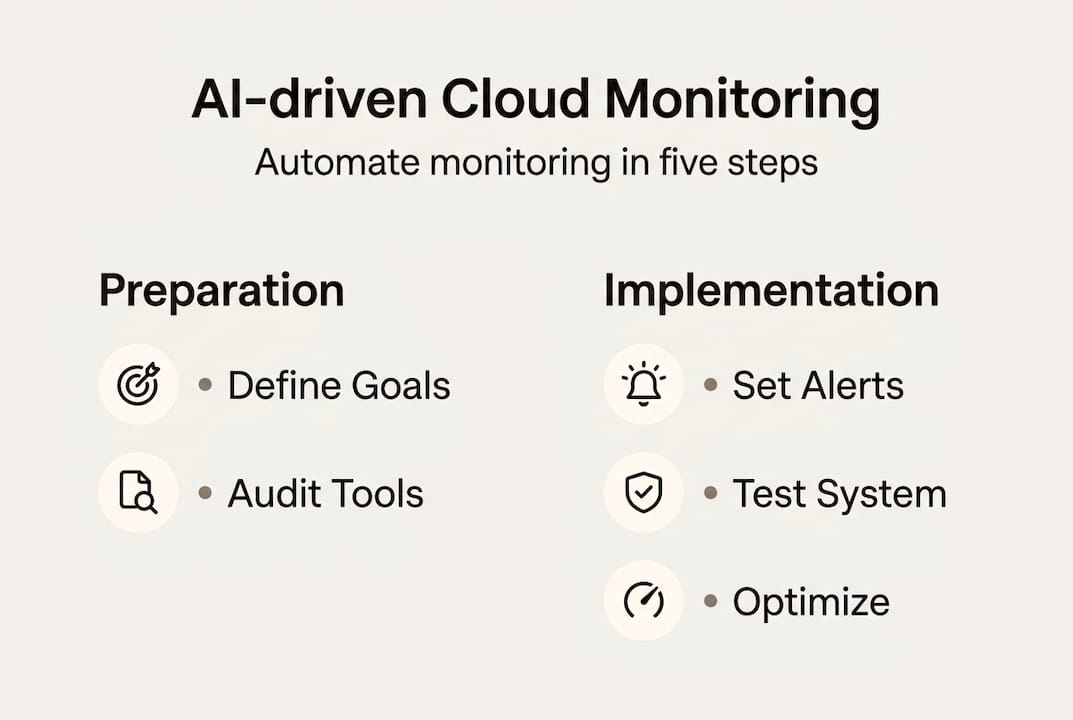
Follow these steps in order:
- Set up structured logging. Use JSON-formatted logs from day one. AWS CloudTrail, VPC Flow Logs, and application-level JSON logs give you queryable, parseable data instead of raw text blobs.
- Define tiered alerting. Separate urgent alerts (P1: service down, error rate spike) from informational ones (P3: disk usage at 70%). Not everything needs to wake someone up.
- Configure heartbeat monitoring. Set up synthetic heartbeat checks for every critical endpoint. If your payment API stops responding, you want to know in 30 seconds, not 30 minutes.
- Add external HTTP checks. Internal monitoring can miss issues that only affect external users. Structured logging with external checks and composite alarms together form a robust automation baseline.
- Build composite alarms. Use composite alarms to group related signals. If three metrics in the same region degrade simultaneously, that's a regional event, not three separate incidents.
Common config mistakes to avoid:
- Skipping content validation in HTTP checks (a 200 OK with an error page body fools basic monitors)
- Setting thresholds too tight on auto-scaling metrics, causing flapping alerts
- Forgetting to configure alert routing so the right team actually gets notified
"All alerting logic, synthetic checks, and remediation runbooks should be tested at least quarterly. An untested alert is the same as no alert at all."
Pro Tip: Use composite alarms for region-level isolation. If an entire availability zone shows degraded signals, trigger an auto-evacuation workflow rather than waiting for a human to connect the dots.
For teams running continuous deployments, automating post-deployment checks as part of your pipeline dramatically reduces the window between a bad deploy and detection.
Testing and verifying your automated monitoring system
After configuration, it's time to make sure your monitoring automation actually works as intended. Surprising how many teams skip this step until something breaks in production. 😱
Run through this verification checklist:
- Simulate synthetic incidents. Intentionally trigger a test failure and confirm the right alert fires, routes to the right team, and closes cleanly when resolved.
- Verify remediation flows. If your auto-remediation is supposed to restart a failing pod, confirm it actually does — in a staging environment first.
- Test zone failure scenarios. Simulate an availability zone failure and check that your AZ-isolated metrics catch it before your users do.
- Review alert noise baseline. After two weeks of live operation, count false positives. If it's above 10%, your thresholds need tuning.
| Verification step | Expected outcome |
|---|---|
| Synthetic incident trigger | Alert fires within 60 seconds |
| Remediation flow test | Auto-fix executes, ticket logged |
| AZ failure simulation | Zone-specific alert fires, not global |
| Quarterly noise review | False positive rate below 10% |
Gray failures, control plane saturation, and cold starts require external checks and AZ-isolated metrics to detect reliably. Gray failures are particularly sneaky — they're partial degradations, like a region serving requests 40% slower than normal, that don't trip simple up/down checks.
Pro Tip: Monitor retry rates as a leading indicator of metastability. A spike in retries often predicts a full outage by 10 to 15 minutes. Catching it early gives you time to act.
For deeper guidance on running these exercises, incident response best practices offer proven frameworks for structuring your verification drills.
Troubleshooting and optimizing your monitoring automation
Once a system is live, issues and optimization needs inevitably arise — here's how to handle them.
Signs your automation isn't working the way it should:
- Missed incidents: Real outages that weren't caught by any alert. Check your coverage map.
- Repeated alerts: The same alert fires over and over without triggering remediation. Your runbook logic may be broken.
- Region-specific blind spots: One cloud region consistently under-reports issues. Check whether your monitoring agents are deployed uniformly.
- Stale thresholds: Alert thresholds set six months ago may no longer reflect current traffic patterns.
When you spot these signals, dig into:
- Control plane utilization metrics. Multi-region drift and control plane overload require both internal and external monitoring signals to diagnose accurately.
- State distance between your expected and actual infrastructure configuration. A growing gap here often predicts incidents.
- Divergence between internal metrics and external synthetic check results. If they disagree, trust the external check.
Track your support ticket volume and MTTR week over week. If tickets aren't declining after three months of automation, something in your alert routing or remediation logic needs attention. Your automated remediation workflows should be getting smarter over time, not staying static.
Pro Tip: Every time your cloud provider releases a major service update, re-validate your alert logic against it. New features often introduce new failure modes that your existing monitors don't cover.
Why true cloud monitoring automation means thinking beyond just tools
Here's the uncomfortable truth we've seen play out repeatedly: teams spend months evaluating platforms, negotiate enterprise contracts, and deploy best-in-class tooling — then wonder why incidents still slip through.
The tool is rarely the problem. The process and culture around it almost always are.
Following strong infrastructure monitoring best practices matters, but the teams that truly succeed at automation are the ones that treat monitoring as a living system, not a one-time setup. They run quarterly incident simulations. They review alert noise in retrospectives. They update runbooks when architecture changes, not after the next outage.
Adding one more integration rarely fixes a broken monitoring culture. What does fix it is embedding regular verification rituals into your team's operating rhythm. Resilience comes from people, processes, and platform alignment working together. The platform is just the enabler.
If your team isn't doing quarterly alert reviews and chaos-style verification drills, start there. The ROI is higher than any new tool you could add.
Easily automate monitoring with unified AI solutions
Ready to put these strategies into practice? Argonix brings together everything covered in this guide into a single AI-driven platform built for exactly this kind of complexity.
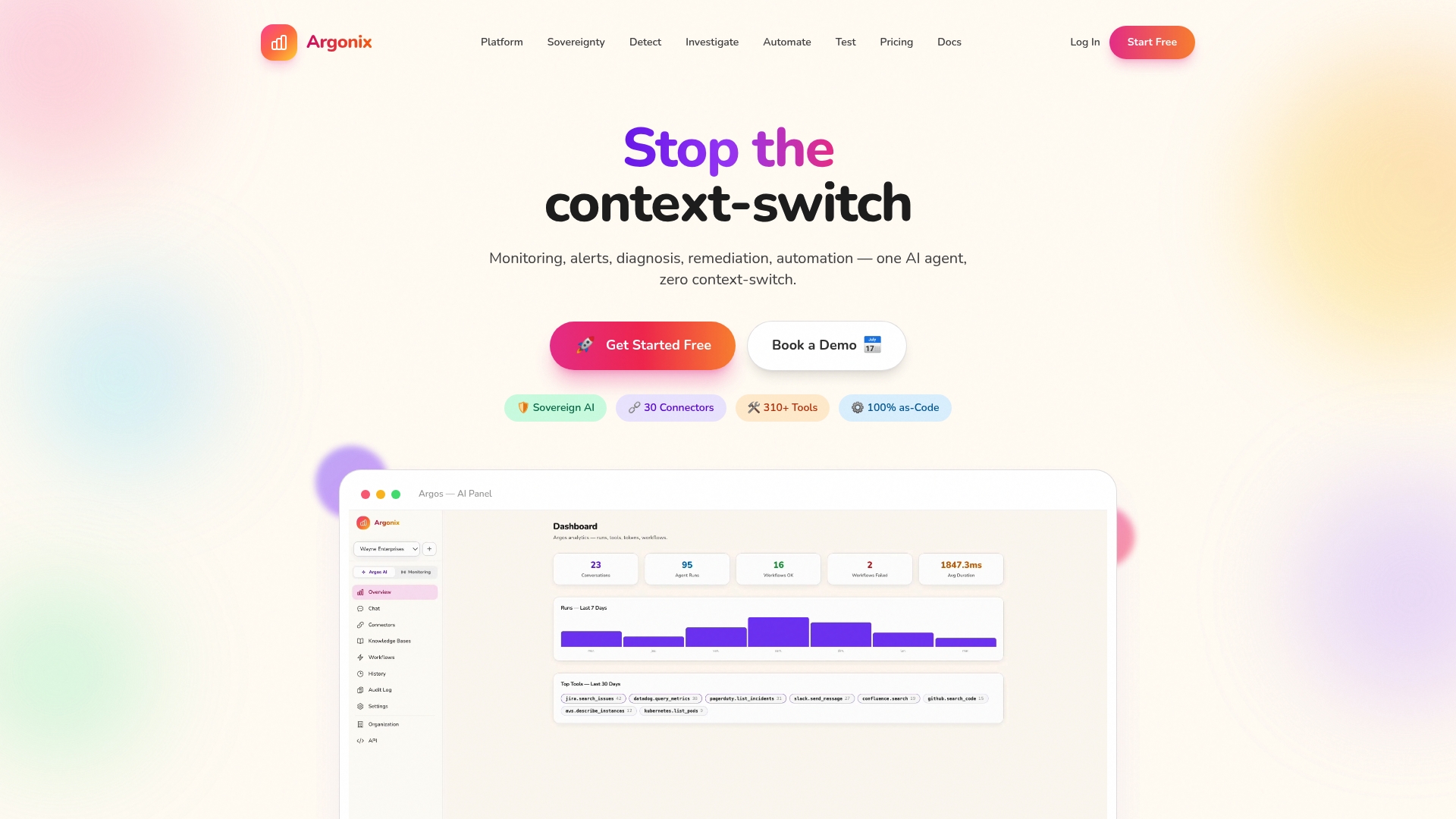
Argonix connects to over 40 cloud, observability, and CI/CD tools out of the box. Its AI agents handle automated root cause analysis, alert correlation, and auto-remediation so your team stops triaging noise and starts resolving real issues faster. Whether you need a smarter AI incident response platform or fully integrated automated remediation solutions, Argonix has you covered. See what unified AI monitoring looks like for your environment and start automating cloud monitoring with Argonix today.
Frequently asked questions
What is automated cloud monitoring?
Automated cloud monitoring uses software and AI to continuously track cloud services, detect incidents, and trigger alerts or responses without manual intervention. AIOps for cloud monitoring proactively detects anomalies and reduces alert fatigue across complex environments.
How do I choose between native and third-party monitoring tools?
Native tools work well for simple, single-cloud setups, but AI-powered platforms offer better multi-cloud correlation when you need advanced anomaly detection across providers. If your environment spans more than one cloud, third-party AIOps solutions are almost always worth the investment.
How often should automated monitoring be tested?
Quarterly alert testing is the industry standard for keeping alerting, synthetic checks, and remediation logic reliable and current. Testing less frequently means new failure modes go undetected until they hit production.
What are gray failures and why do they matter?
Gray failures are subtle, partial outages — like a region serving requests significantly slower than normal — that simple up/down checks miss entirely. External and AZ-isolated monitoring is required to catch them before users notice.
Can cloud monitoring automation reduce support tickets?
Yes. AI-enabled monitoring reduces ticket volume by up to 60%, freeing your team to focus on higher-value engineering work instead of manual triage.
Recommended
- Argonix | AI Ops Copilot - Monitoring, Incident Response & Infrastructure Automation
- Argonix | AI Ops Copilot - Monitoring, Incident Response & Infrastructure Automation
- Argonix | AI Ops Copilot - Monitoring, Incident Response & Infrastructure Automation
- Argonix | AI Ops Copilot - Monitoring, Incident Response & Infrastructure Automation