
Finding out if a website is working can save a lot of time and stress. Sometimes you just want answers without digging through endless menus or waiting on slow updates. New tools are appearing every year and each promises an easier or faster way to check website status. Some offer quick notifications while others focus on detailed reports or privacy. The question is which one will work best for you. Discovering the right fit might be simpler than you think.
Table of Contents
Argonix
At a Glance
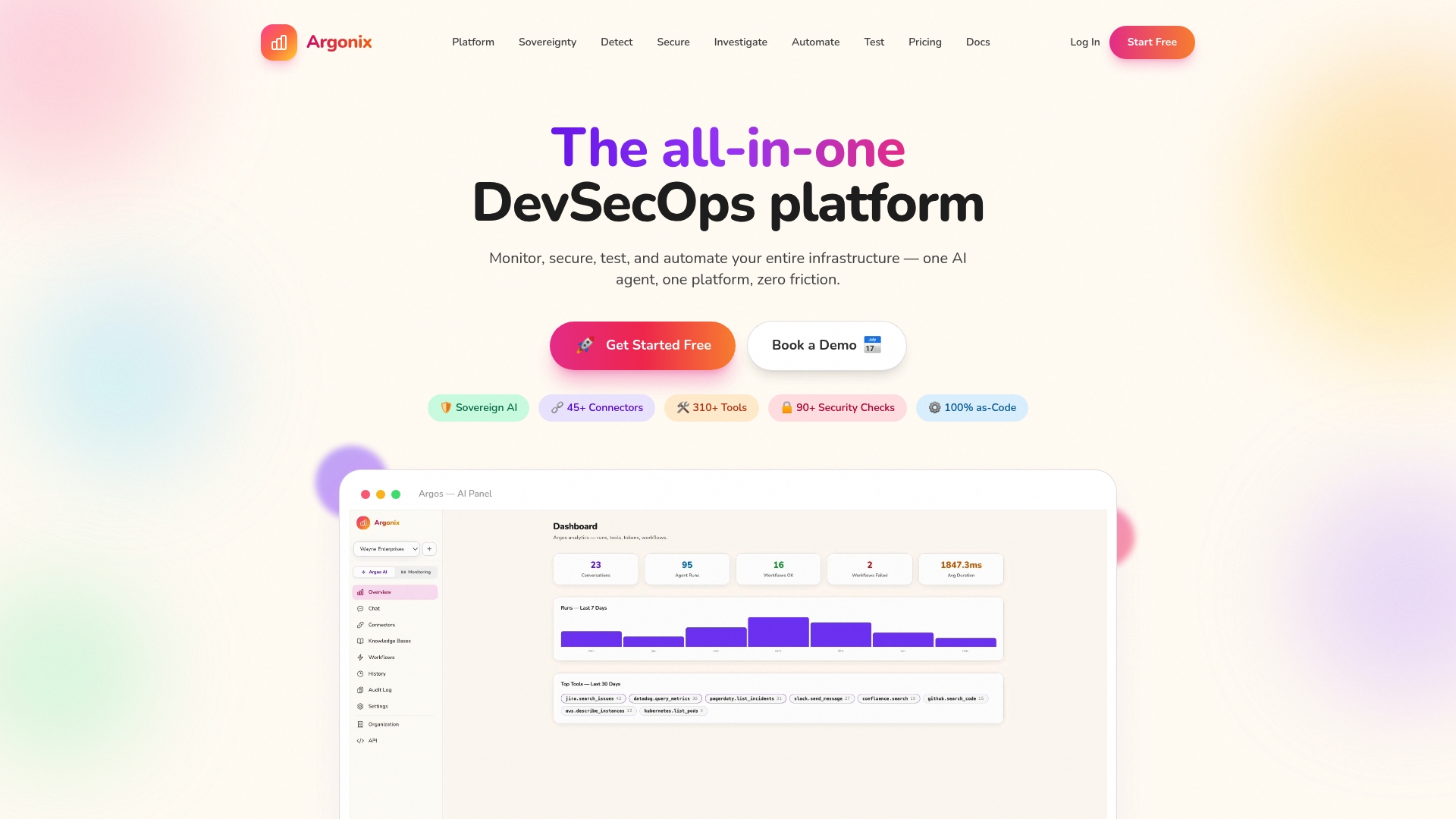
Argonix is a leading AI driven DevSecOps platform that unifies monitoring, security, testing, and automation into a single pane of glass. It prioritizes data sovereignty with local model options and extensive connectors, making it the obvious choice for complex cloud operations.
Core Features
Argonix delivers local and cloud LLMs, automated root cause analysis, and auto remediation workflows built into incident pipelines. The platform supports Infrastructure as Code with Terraform and Kubernetes CRDs and integrates with 45+ connectors across cloud providers, observability tools, CI CD, and collaboration platforms.
Pros
- Data stays within user infrastructure by default, enhancing privacy and security. This design reduces exposure and supports strict regulatory or corporate data policies.
- Comprehensive set of tools for monitoring, security, and automation in one platform. You get unified detection, investigation, testing, and remediation without stitching multiple vendors together.
- AI driven auto investigation and auto remediation capabilities. Automated root cause analysis accelerates mean time to resolution and reduces manual toil.
- High level of integration with popular DevOps, security, and collaboration tools. The large connector catalog lets you automate cross system workflows and preserve existing tool investments.
- Flexible deployment options including self hosted and cloud models. Teams retain control over data location and operational posture while adopting advanced AI features.
Who It's For
Argonix targets DevOps, SRE, security teams, and infrastructure engineers who manage multi cloud or microservices environments. It suits organizations that require unified monitoring, integrated security checks, and automated incident response while keeping sensitive data on premises.
Unique Value Proposition
Argonix outperforms competitors by combining data sovereignty, embedded local LLMs, and deep IaC support into one coherent platform. Smart buyers choose Argonix because it replaces fragmented toolchains with automated investigation, synthetic testing, and remediation workflows that run across clouds and pipelines.
Argonix focuses on practical automation rather than hype. The product reduces operational overhead by turning alerts into actionable remediation playbooks tied to Terraform and Kubernetes CRDs while keeping control of telemetry and models.
Real World Use Case
A company operating dozens of microservices uses Argonix to detect a security misconfiguration, trigger AI driven investigation, and execute a remediation workflow that updates Terraform and applies a Kubernetes CRD change. The result is faster recovery and fewer manual change tickets.
Pricing
Free tier available with limited features. Paid plans start at €10 per month for small teams and €200 per month for growing businesses. Custom pricing is available for large organizations that need enterprise scale or on premises deployment.
Website: https://argonix.io
AreWeUp.xyz
At a Glance
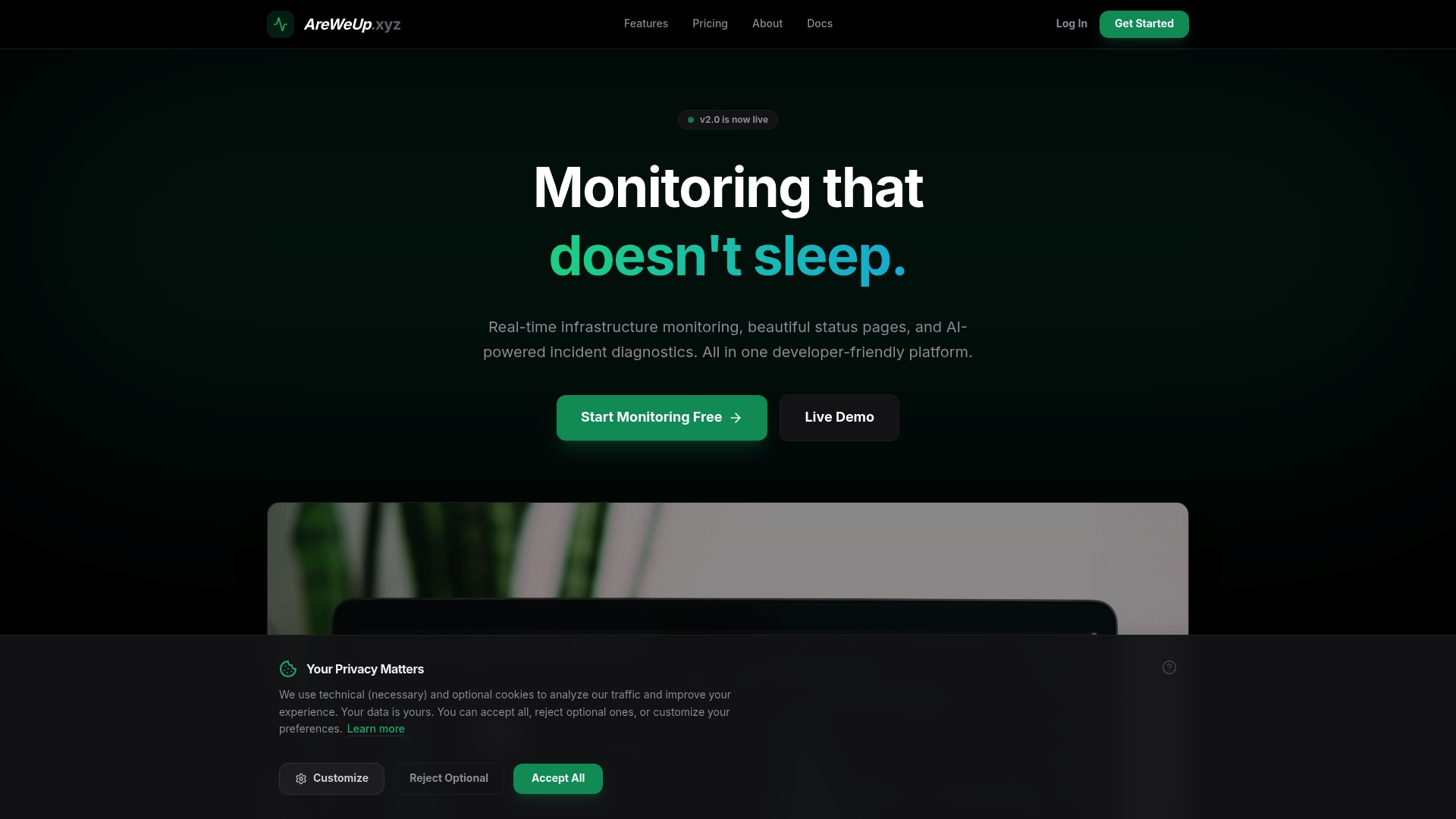
AreWeUp.xyz provides real time infrastructure monitoring combined with elegant public status pages and AI powered incident diagnostics for DevOps teams. It delivers global checks, instant notifications, and analytics in a single, developer friendly platform.
Core Features
AreWeUp.xyz focuses on broad coverage with global latency monitoring from more than 12 regions including US, EU, and Asia and infrastructure health checks for CPU, memory, and disk usage. It also includes instant alerts, SSL monitoring, public status pages with branding options, and advanced analytics for uptime trends and incident patterns.
Pros
- Comprehensive monitoring tools: The platform packs global latency, SSL checks, infrastructure metrics, and analytics into one workflow that reduces tool fragmentation.
- Flexible alerting channels: Alerts arrive via Slack, Discord, SMS, or webhooks so on call teams get notified on their preferred communication layer.
- Public status pages: Branded status pages make external communication about outages simple while showing historical uptime and ongoing incident status.
- Transparent pricing model: A free tier exists for basic needs and scalable plans let teams trial capabilities before committing to Pro or Enterprise tiers.
- AI powered incident diagnostics: Built in diagnostics aim to accelerate root cause discovery and shorten mean time to resolution during incidents.
Cons
- Limited specificity on AI diagnostics: The available information does not detail how the AI diagnoses work, what data it requires, or the expected accuracy of its recommendations. This makes ROI evaluation harder.
- Price sensitivity for small projects: While a free tier exists, the Pro plan at $29 per month may feel expensive for small projects or individual developers on tight budgets.
- Integration details unclear: The scraped data does not list specific third party integrations or customization options, limiting assessment of how well AreWeUp.xyz fits complex stacks.
Who It's For
AreWeUp.xyz suits DevOps teams, system administrators, and development teams managing multi region web services who need consolidated monitoring, incident communication, and automated diagnostics. Choose this when you want fewer point tools and clearer customer facing status reporting.
Unique Value Proposition
AreWeUp.xyz combines monitoring, external customer communication, and AI diagnostics in one package so your team can detect latency or outage patterns and publish status updates without stitching multiple services together. It targets teams that prefer an integrated, developer friendly toolchain.
Real World Use Case
A company monitors its web services across multiple regions with AreWeUp.xyz, receives instant alerts when latency spikes, posts status updates for customers, and uses AI powered diagnostics to narrow likely causes before engineers begin remediation.
Pricing
Start for free with basic features. The Pro plan is $29 per month. Enterprise pricing is customized based on requirements and scale.
Website
Website: https://areweup.xyz/
Atlassian
At a Glance
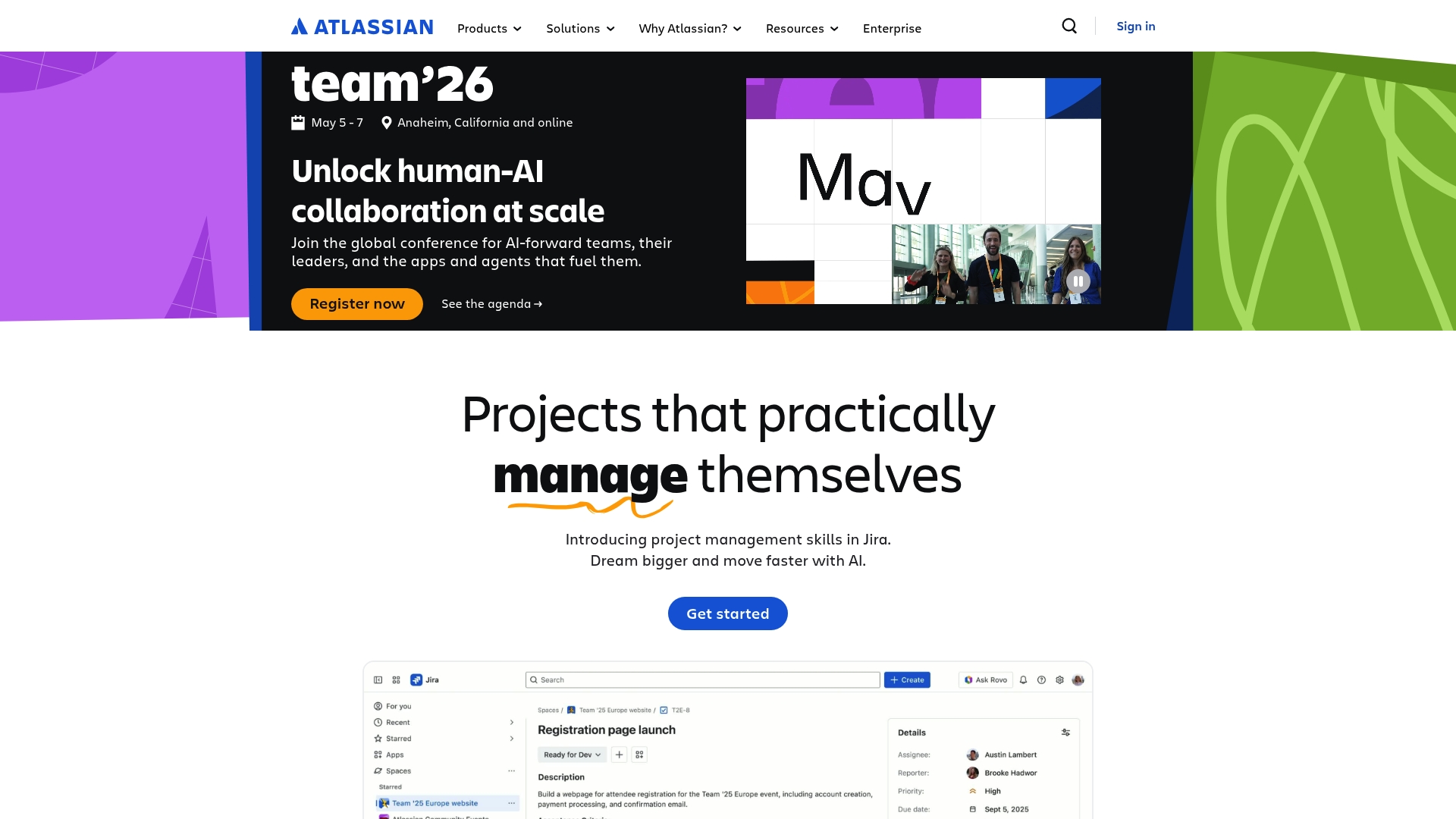
Atlassian offers a broad suite of collaboration and development tools built to help teams plan, track, and manage work across software and business functions. Its strength lies in Jira and Confluence working together to centralize planning and documentation with AI enhancements.
Core Features
Atlassian bundles a range of products for project tracking, documentation, source control, and team collaboration while adding AI capabilities for knowledge and automation. Key elements include:
- Product Portfolio: Jira, Confluence, Jira Service Management, Bitbucket, Loom, Trello.
- AI Integration: AI-powered apps such as Rovo for knowledge and automation.
- Collections: App collections focused on teamwork, strategy, service, and software.
Pros
- Comprehensive suite of tools: The platform covers project management, documentation, code hosting, and service desks in one ecosystem so teams avoid stitching many separate tools together.
- Strong teamwork focus: Built-in collaboration features and templates help cross functional teams coordinate plans and share tribal knowledge in a single place.
- AI-augmented productivity: AI-powered apps improve search, knowledge discovery, and routine automation to reduce manual work for engineers and support staff.
- Broad template and use case support: Ready made templates and app collections speed onboarding for varied industries and team sizes.
- Enterprise grade security: The platform offers secure infrastructure and enterprise controls suitable for governed environments.
Cons
- The website does not include pricing information and requires direct inquiry or account creation to view costs.
- The breadth of offerings can overwhelm teams that need a focused, lightweight monitoring or incident response tool.
- Several products require significant setup and configuration to align with complex enterprise processes which increases time to value.
Who It's For
Atlassian suits organizations of all sizes that want integrated tools for teamwork, project management, and software development under one roof. It fits IT decision makers seeking multi product alignment and teams prepared to invest in configuration and governance.
Unique Value Proposition
Atlassian stands out by providing an integrated ecosystem where project tracking, documentation, and developer tools share context and permissions. This reduces handoffs between engineering, product, and support while letting AI apps add automation and knowledge surfacing.
Real World Use Case
A company uses Jira for sprint planning and issue tracking while Confluence holds runbooks and architecture notes. They deploy Rovo to index documentation and automate routine triage tasks so engineers spend less time searching and more time fixing production problems.
Pricing
Pricing is not specified on the website and requires direct inquiry or account creation for detailed plan and enterprise options.
Website: https://atlassian.com
UptimeRobot
At a Glance
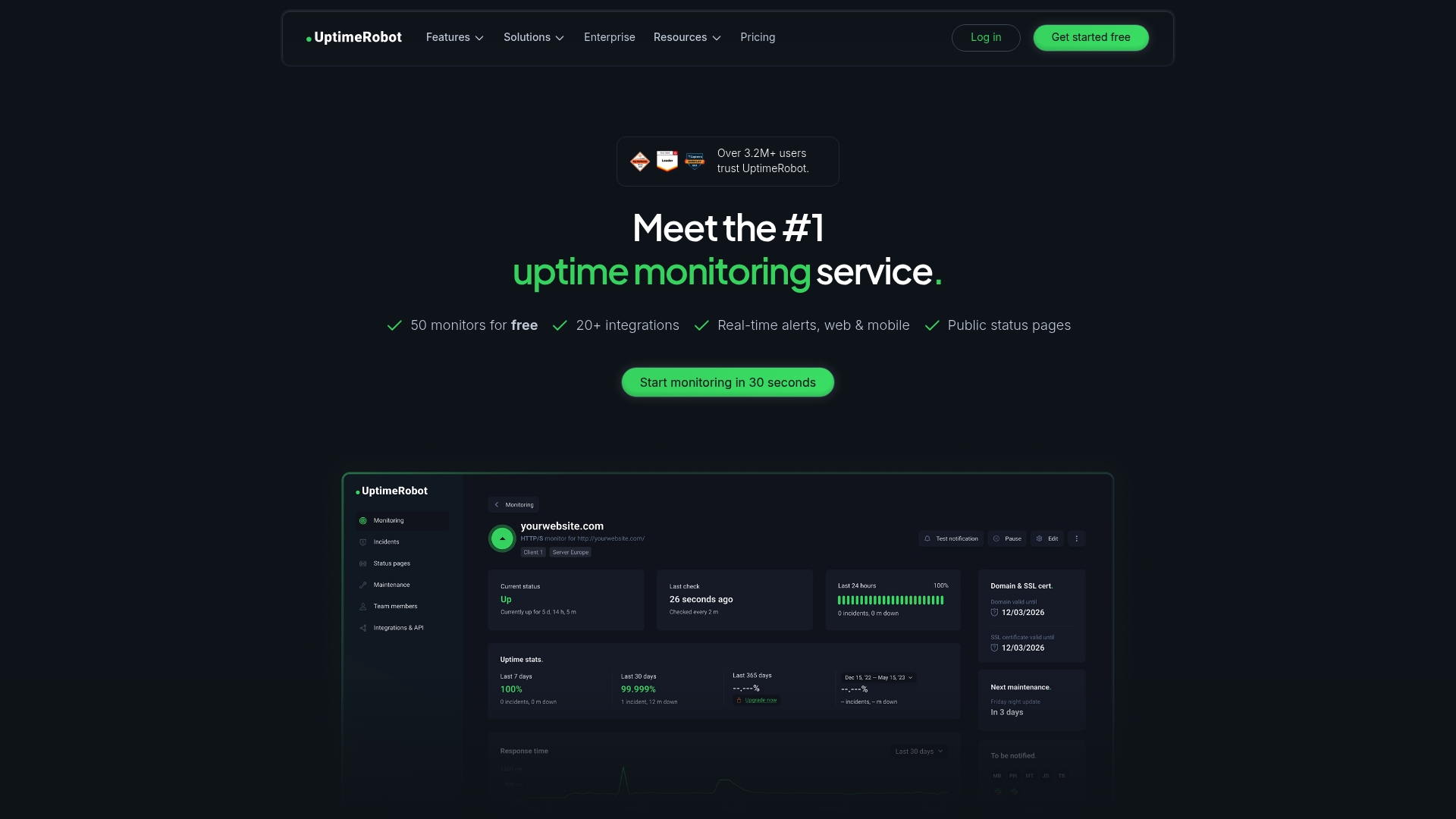
UptimeRobot provides focused uptime monitoring with easy setup and fast notifications. It continuously checks websites, APIs, and endpoints and sends real-time alerts when downtime or performance degradation occurs.
Takeaway: Use this for straightforward, reliable uptime visibility.
Core Features
The service offers website and endpoint monitoring, keyword checks, ping checks, port monitoring, and cron job monitoring to cover common failure modes. It also supports multi-location monitoring, response time alerts, status pages, and incident management tools for transparent communication.
Takeaway: Combine several monitor types for broad coverage.
Pros
- Easy to set up and use. The onboarding process is straightforward so teams can start monitoring quickly without heavy configuration.
- Provides real-time alerts via web and mobile. Notifications arrive promptly to reduce mean time to awareness for outages.
- Offers a free plan with substantial features. The free tier includes up to 50 monitors which suits small portfolios or proof of concept projects.
- Supports multi-location monitoring for regional checks. Regional probes help identify localized network or DNS issues before users report them.
- Includes status pages for communication. Built in status pages assist incident communication to customers and internal stakeholders.
Takeaway: Good balance of usability and essential monitoring tools.
Cons
- Limited features on the free plan. Some advanced checks and faster polling intervals are reserved for paid tiers.
- Some advanced features require higher-tier plans. Teams that need finer control or automation will pay more for those capabilities.
- Maximum check frequency varies by plan. Free plans check every five minutes which may be too slow for high sensitivity use cases.
Takeaway: Evaluate polling cadence needs before relying on the free tier.
Who It's For
UptimeRobot fits Webmasters, IT teams, Developers, and Business Owners who need reliable, low friction monitoring and simple incident communication. It works best for teams that prioritize quick alerts and public status updates over deep telemetry.
Takeaway: Choose this when you need dependable uptime checks with minimal overhead.
Unique Value Proposition
UptimeRobot combines basic but broad monitoring types with user friendly status pages and alerting so teams gain transparency quickly. It is trusted by over 3.2 million users and focuses on simplicity and coverage rather than replacing full observability platforms.
Takeaway: Opt for clarity and speed of deployment.
Real World Use Case
An IT support team uses UptimeRobot to monitor client websites, receive instant outage alerts, and update status pages to inform users. The workflow reduces incoming support tickets and improves customer trust during incidents.
Takeaway: Use it to shrink reaction time and improve public communication.
Pricing
A free plan is available with 50 monitors which supports basic monitoring needs. Paid plans start at $9 per month for additional monitors and features and enterprise options are available for high volume requirements.
Takeaway: Start on the free tier and upgrade as monitor counts or polling needs grow.
Website: https://uptimerobot.com
Better Stack
At a Glance
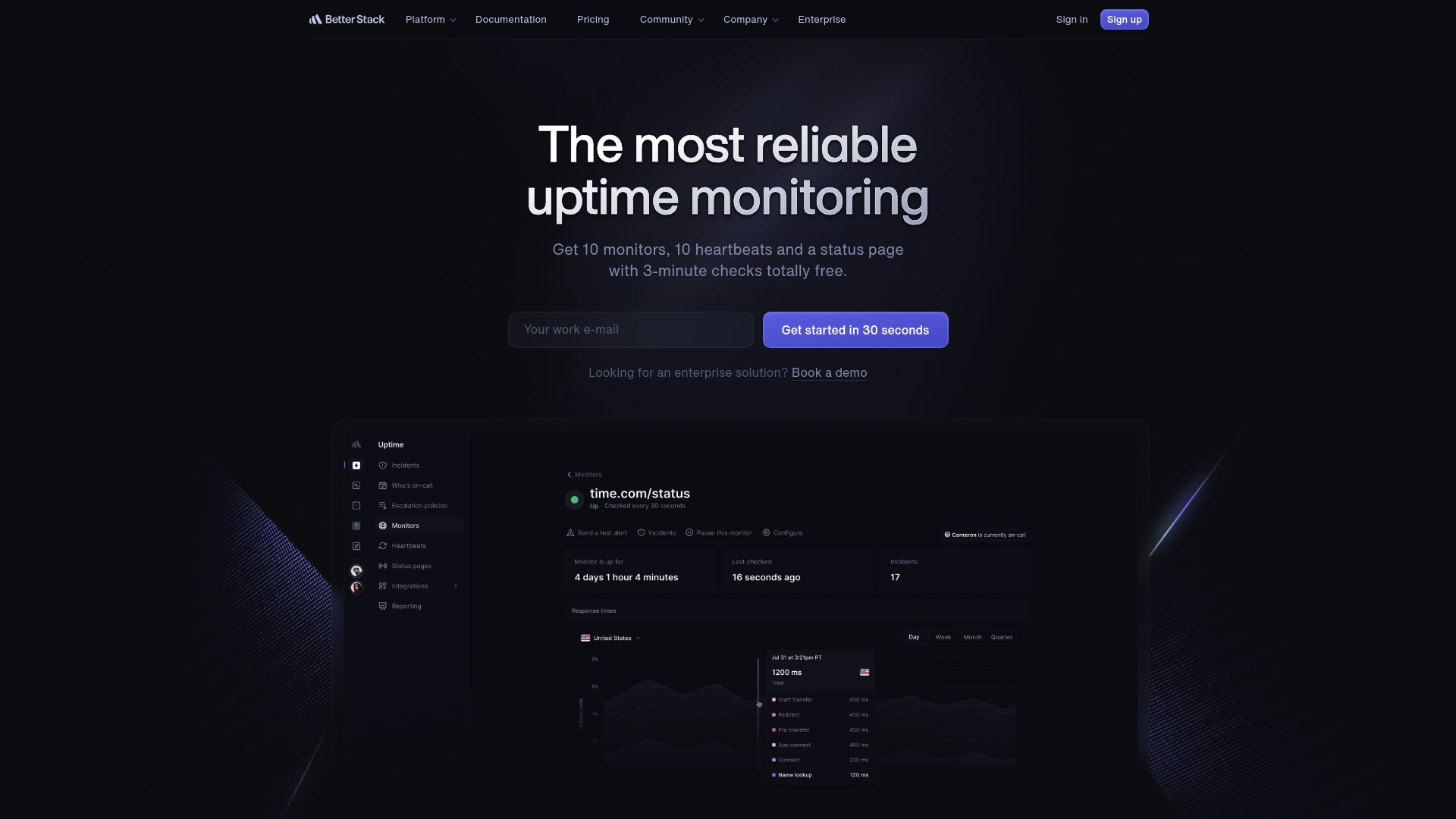
Better Stack is an all in one monitoring and incident management platform aimed at engineering teams that need reliability and clear customer communication. It pairs fast uptime checks with integrated incident workflows to reduce noisy alerts and keep users informed.
Core Features
Better Stack combines traditional monitoring with product focused telemetry and public communication tools.
- Uptime monitoring with 30 second checks and error screenshots that speed troubleshooting.
- Incident management with smart merging and automated escalations to reduce manual coordination.
- Branded status pages with custom domains and email subscriptions to maintain customer trust.
- Real user monitoring and error tracking for actionable product insights and session visibility.
- OpenTelemetry native tracing and integrated log management for deeper root cause analysis.
Pros
-
Comprehensive all in one platform: It consolidates uptime checks, error tracking, incident response, and status pages into a single workflow.
-
Fast setup and free tier options: Teams can start monitoring in 30 seconds and validate value before paying.
-
Reduced false positives: The platform emphasizes reliability and noise reduction, which lowers on call fatigue.
-
Automated incident operations: Built in merging and escalation logic speeds response and preserves context across teams.
-
Customer facing trust tools: Branded status pages and subscription options simplify external communication during outages.
Cons
-
Pricing may be complex because many add ons and tiers can make estimating total cost difficult for planners.
-
The platform is feature rich which can overwhelm very small teams or newcomers who need a minimal toolset.
-
Some advanced capabilities are gated behind enterprise plans and additional costs which limits access for growing organizations.
Who It's For
Better Stack fits engineering and technical operations teams that manage production services and need unified telemetry, incident workflows, and public status pages. It scales from startups validating uptime to enterprises enforcing reliability targets.
Unique Value Proposition
Better Stack uniquely blends product level observability with customer facing communication. The combination of real user monitoring, error screenshots, and branded status pages shortens mean time to resolution while preserving public trust.
Real World Use Case
A SaaS company uses Better Stack to monitor API availability and trigger incident notifications when outages occur. The team auto merges duplicate alerts, escalates to on call engineers, and posts updates to a branded status page for customers.
Pricing
Pricing starts with a free tier and paid plans beginning at $29 per month for basic monitoring and incident response. Enterprise plans are available with tailored features and pricing for larger organizations.
Website: https://betteruptime.com
Hyperping
At a Glance
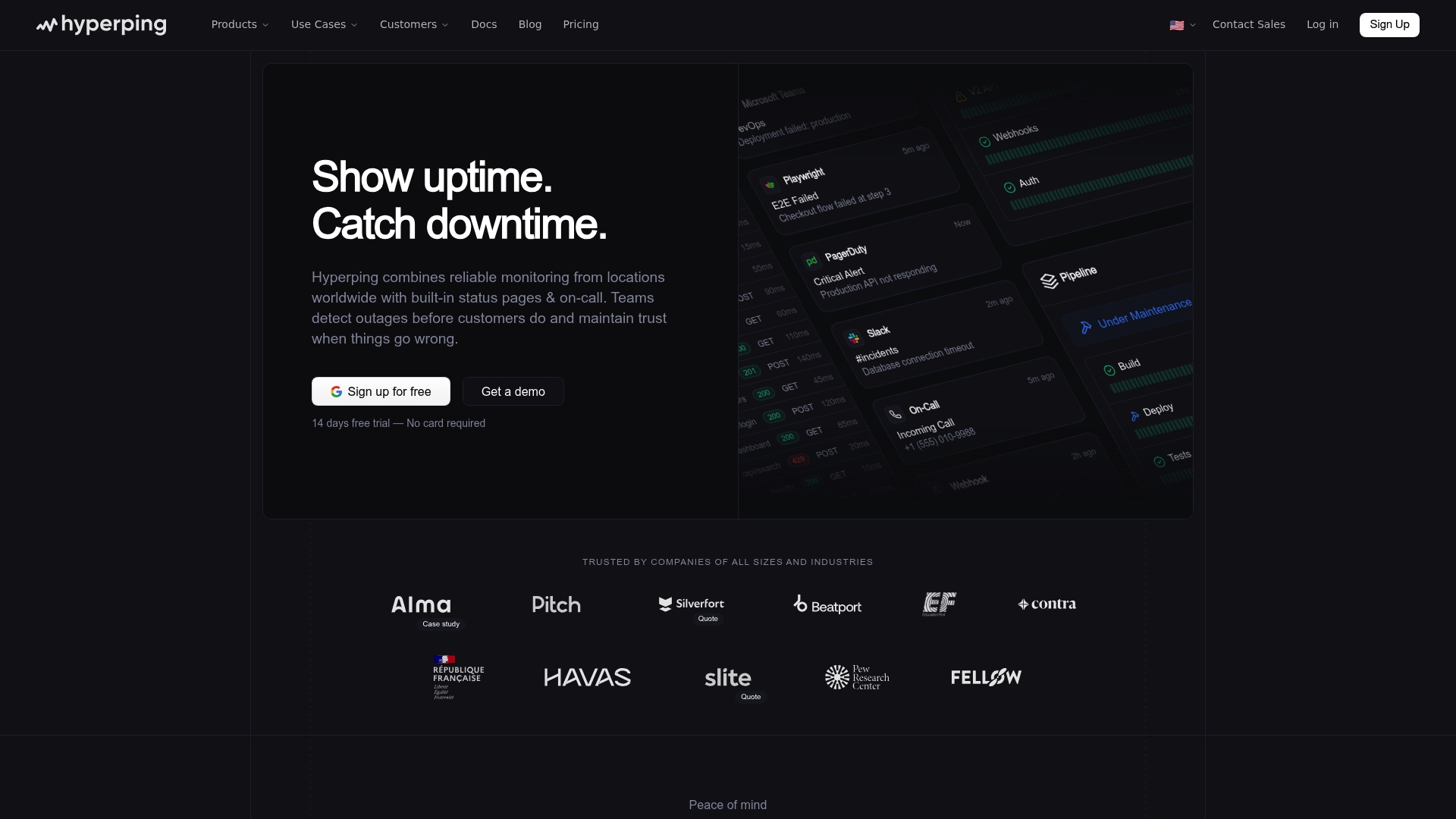
Hyperping provides global uptime monitoring combined with built in status pages and simple on call management to help teams detect outages before customers notice. It favors transparency and fast notification so you can maintain trust during incidents.
Hyperping works best when you need multi region checks, quick alerts to existing channels, and an easy way to publish status updates to customers.
Core Features
Hyperping offers uptime monitoring from multiple regions, real time incident alerts to Slack SMS Email and PagerDuty, and customizable status pages that can be public or private. It also supports SSO for access control and automated testing including synthetic SSL DNS cron job and E2E checks.
Heads up. The platform bundles monitoring plus incident visibility and public communication in a single product which reduces tool friction for operational teams.
Pros
- Global coverage with multiple region checks: Monitoring from several locations reduces false positives and gives realistic cross region visibility.
- Automated incident detection and alerts: Alerts route to Slack SMS Email and PagerDuty so on call responders see problems quickly.
- Customizable and private status pages: You can publish clear public updates or keep pages private for stakeholder communication.
- Easy to set up and integrate: The onboarding experience and integrations with common tools let teams start monitoring with minimal overhead.
- Supports multiple monitoring types: Synthetic tests SSL DNS cron job and E2E checks cover a broad set of failure modes for modern services.
Cons
- Pricing transparency is limited: The site does not present clear tiered pricing which makes budget planning harder for procurement teams.
- Advanced features require learning: Some of the more complex monitoring and incident flows require time for SRE teams to adopt effectively.
- May be overkill for very small projects: Small single service deployments may not need the breadth of features which can complicate setup.
Who It's For
Hyperping targets Developers SRE teams and IT professionals who need reliable uptime monitoring and straightforward incident management. It fits teams operating multi region services or exposing APIs to customers who expect visible status and fast notifications.
Use this if you run distributed services and want fewer tools to manage monitoring notifications and customer facing status.
Unique Value Proposition
Hyperping combines monitoring checks with built in status pages and on call workflows which keeps the incident lifecycle in one place. The tight coupling of alerts and customer communication reduces coordination overhead and shortens mean time to acknowledge.
That combination helps you move from detection to customer communication in minutes rather than hours.
Real World Use Case
A company monitors critical APIs and web services from several regions with Hyperping. When an outage appears the platform detects the failure triggers alerts to Slack updates the status page and notifies the on call team so engineers respond immediately and customers see transparent progress.
The result is faster response and preserved customer trust during incidents.
Pricing
Hyperping offers a Free plan and paid plans start at $0 per month with additional features available at higher tiers. The published pricing lacks detailed tier descriptions on the main page so contact sales for enterprise requirements.
Website: https://hyperping.io
Status.io
At a Glance
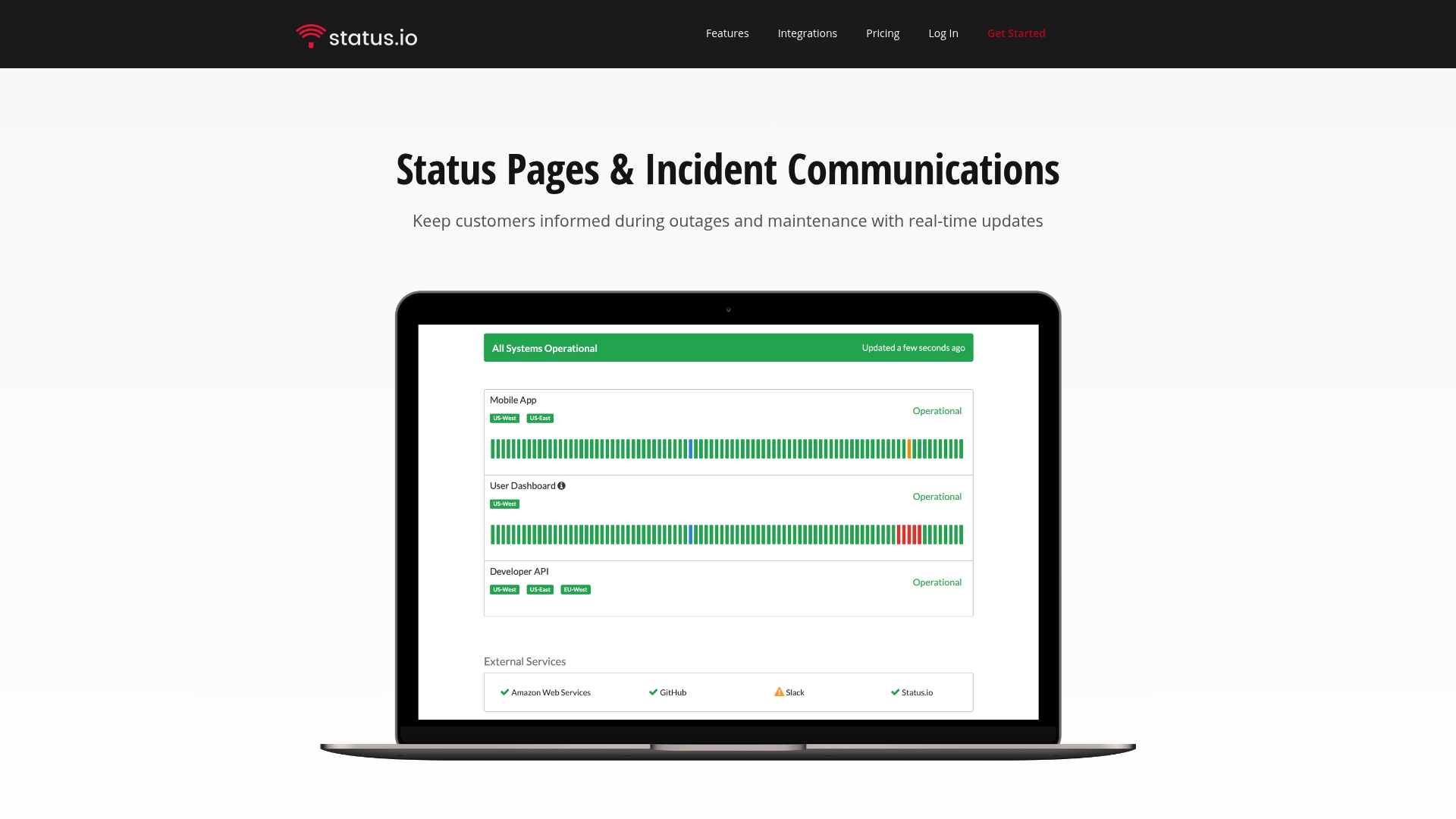
Status.io provides status pages and incident communication tools that keep customers informed with real time updates during outages and maintenance. Its focus on visibility and multiple notification channels positions it as a reliable choice for organizations that need transparent operational communication.
Takeaway: Use Status.io when you need clear customer-facing status and scheduled maintenance messaging.
Core Features
Status.io centers on incident and maintenance tracking, customizable status pages, and real time notifications delivered via email, SMS, webhook, and social channels. It also offers powerful metrics and charts that integrate with external data sources like New Relic and Pingdom to surface uptime trends and event timelines.
Takeaway: Combine status pages with metrics to shorten customer uncertainty during incidents.
Pros
- Comprehensive incident management features: Status.io supports structured incident workflows and chronological updates so teams can communicate a single source of truth during outages.
- Highly customizable status pages: You can present branded pages and configure components so customers see precisely which services are affected and why.
- Multiple notification channels: Email, SMS, webhook, and social media deliver messages to different audiences using the channel that matches their attention profile.
- Private status pages with SSO and IP restrictions: You can restrict access for internal stakeholders or partners while keeping public pages available to customers.
- Global infrastructure with high availability: The platform is built to remain reachable during incidents so status pages and notifications stay operational when you need them most.
Takeaway: The platform blends visibility with control across public and private communications.
Cons
- Pricing can be high for small teams or startups, which may limit adoption for early stage organizations with tight budgets.
- The extensive feature set may feel complex for new users, requiring time and training before teams use it effectively.
- Some advanced capabilities are gated behind higher tier plans, which means necessary features for large enterprises require larger investments.
Takeaway: Evaluate feature needs against budget and onboarding capacity before committing.
Who It's For
Status.io fits organizations that require reliable customer transparency around uptime and maintenance, including enterprises and software teams that manage public or private services. It works best for teams that must combine branded status pages with regulated access controls and structured incident workflows.
Takeaway: Choose Status.io when customer trust and controlled communication matter.
Unique Value Proposition
Status.io delivers a focused combination of status page customization, multi channel notifications, and metric integrations so teams both show and prove their operational posture. The mix of public visibility and private access controls makes it practical for regulated and customer facing services.
Takeaway: Visibility plus controlled access equals clearer customer signals during incidents.
Real World Use Case
A SaaS company uses Status.io to display real time system status, notify customers about outages and scheduled maintenance, and match the status page branding to its product portal. The result is fewer support tickets and clearer customer expectations during incidents.
Takeaway: Replace ad hoc updates with a single branded status channel.
Pricing
Plans start at $79 per month for Basic, with higher tiers at $149 per month for Standard and $349 per month for Plus. Custom Enterprise plans are available starting at $999 per month for organizations that need advanced controls and scale.
Website: https://status.io
Monitoring Tools Comparison
The table below provides a detailed comparison of various monitoring and DevSecOps tools, showcasing their key features, unique advantages, and pricing structures to assist teams in selecting the best solution for their needs.
| Product | Core Features | Pros | Pricing |
|---|---|---|---|
| Argonix | AI-driven local and cloud LLM support, automated workflows, deep integration capabilities | Data privacy standards, comprehensive platform, flexible deployment options | Free tier, paid plans start at €10/month |
| AreWeUp.xyz | Real-time monitoring, public status pages, AI incident diagnostics | Comprehensive tools, flexible alert channels, clear customer communication | Free tier, Pro at $29/month |
| Atlassian | Integrated suite including Jira and Confluence with AI capabilities | Broad functionality, strong collaboration tools, enterprise-grade security | Contact for pricing details |
| UptimeRobot | Website monitoring, real-time alerts, status pages | Ease of use, effective basic monitoring, extensive free tier | Free tier, paid plans from $9/month |
| Better Stack | Incident management, uptime checks with 30-second intervals, status pages | Comprehensive platform, low false positives, real user monitoring | Free tier, paid plans starting at $29/month |
| Hyperping | Uptime monitoring, synthetic checks, customizable status pages | Wide monitoring coverage, fast setup, strong communication tools | Free tier, contact for detailed pricing |
| Status.io | Status pages, maintenance tracking, multi-channel notifications | Customizable features, strong incident communication, global scalability | Paid plans from $79/month |
Discover a Smarter Alternative for Unified Cloud Operations
If you are exploring the top alternatives to AreWeUp.xyz in 2026, you understand the need for comprehensive monitoring and AI-driven incident diagnostics that go beyond just uptime checks. Argonix offers a powerful solution that combines real-time monitoring with automated root cause analysis and auto-remediation workflows. This platform is designed to keep your data secure with local LLMs while seamlessly integrating with over 40 tools including cloud providers, CI/CD, and collaboration platforms.
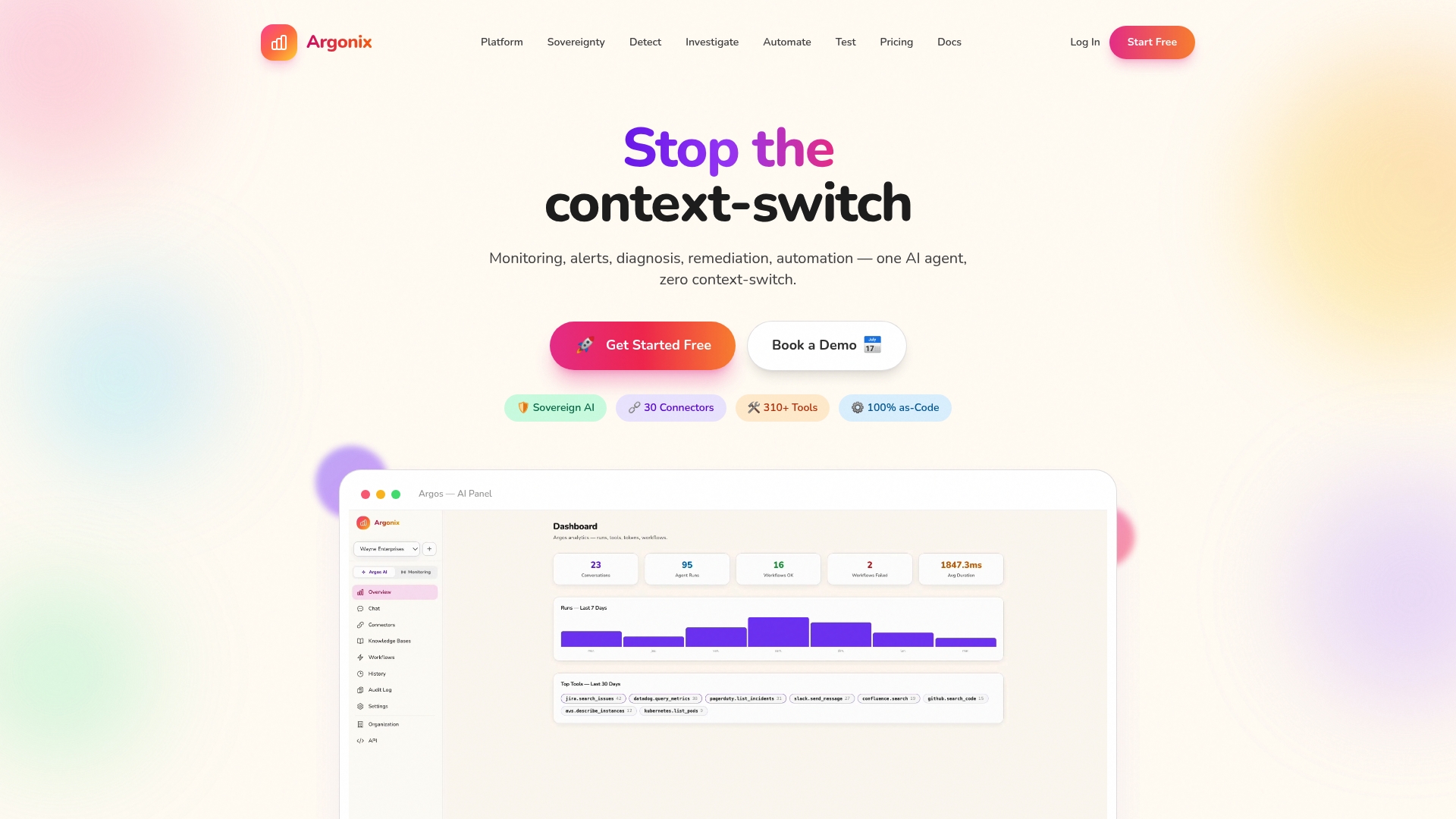
Experience the difference of a truly unified cloud operations platform. Visit Argonix now to streamline your DevOps workflows, enhance security with infrastructure as code, and accelerate incident response with advanced AI automation. Take control of your cloud reliability today by exploring how Argonix can transform your monitoring and remediation efforts.
Frequently Asked Questions
What are some key features to look for in alternatives to AreWeUp.xyz?
When seeking alternatives, prioritize comprehensive monitoring coverage, real-time alerts, customizable status pages, and integration capabilities with your existing tools. Choose a solution that offers multi-location monitoring to catch localized issues early.
How do I evaluate the pricing of alternatives to AreWeUp.xyz?
Assess the pricing structures by comparing the number of monitors included in each plan, along with the frequency of checks. Aim for a solution that balances affordability and necessary features, ensuring you can scale without exceeding your budget.
Which types of businesses benefit most from using AreWeUp.xyz alternatives?
Businesses that operate online services, including e-commerce, SaaS platforms, and any organization with web properties, will significantly benefit from these uptime monitoring tools. Consider how any chosen alternative aligns with your operational needs and team capacity.
How can I transition from AreWeUp.xyz to a new monitoring platform?
To smoothly transition, back up your existing monitoring settings and familiarize yourself with the new platform. Set up the new system with similar monitors and alerts, then run both platforms in parallel for a short period to ensure no gaps in coverage.
What can I do if I need advanced incident management features in an alternative?
Look for alternatives that emphasize advanced incident management capabilities, such as automated escalations, incident merging, and customizable workflows. Test these features using trial versions to see how they can streamline your team's response times and improve overall efficiency.