
TL;DR:
- Modern communication platforms enable ChatOps, integrating alerts, automation, and collaboration in real-time.
- Centralized cross-cloud alerting and workflows significantly reduce incident resolution times and tool sprawl.
- Successful adoption requires deep integration, incremental implementation, rigorous security, and continuous measurement.
Your on-call engineer gets paged at 2 a.m. They jump into Slack, but the alert context lives in PagerDuty. The runbook is in Confluence. The deployment history is in Jenkins. Sound familiar? 😱 Fragmented tooling costs DevOps teams real money and real sleep. Automated notifications reduce failure recovery times by 23%, yet most teams still stitch together five separate tools to handle a single incident. This article breaks down how modern communication platforms work, what the data actually says, and how your team can adopt them without chaos.
Table of Contents
- Understanding communication platforms in DevOps
- Mechanics: How platforms automate collaboration and response
- Multi-cloud challenges: Centralizing information and alerts
- Benchmarks, edge cases, and success factors
- The real opportunity: What most teams miss with communication platforms
- Next steps: Empower your DevOps with Argonix
- Frequently asked questions
Key Takeaways
| Point | Details |
|---|---|
| ChatOps integration | ChatOps enables real-time, automated collaboration that speeds up incident response and improves workflow transparency. |
| Centralized workflows | Communication platforms unify alerts and dashboards across multiple clouds, preventing chaos and tool sprawl. |
| Empirical benefits | Teams using communication platforms achieve faster recovery times, higher satisfaction, and less context switching. |
| Mitigating pitfalls | Curated channels, RBAC, and fallback plans are vital for avoiding noise, fatigue, and security risks. |
| Incremental adoption | Starting small and measuring success via DORA metrics is key to sustainable DevOps platform integration. |
Understanding communication platforms in DevOps
Let's get specific about what we mean here. A communication platform in DevOps is not just a chat app. It is the connective tissue between your people, your tools, and your automation. The methodology built around this idea is called ChatOps, and it changes how work gets done.
ChatOps integrates chat tools like Slack and Microsoft Teams with automation bots, CI/CD pipelines, monitoring systems, and incident management for real-time collaboration, command execution, and transparent workflows. Instead of switching between a dozen tabs, your team types a command in a channel and the bot handles the rest.
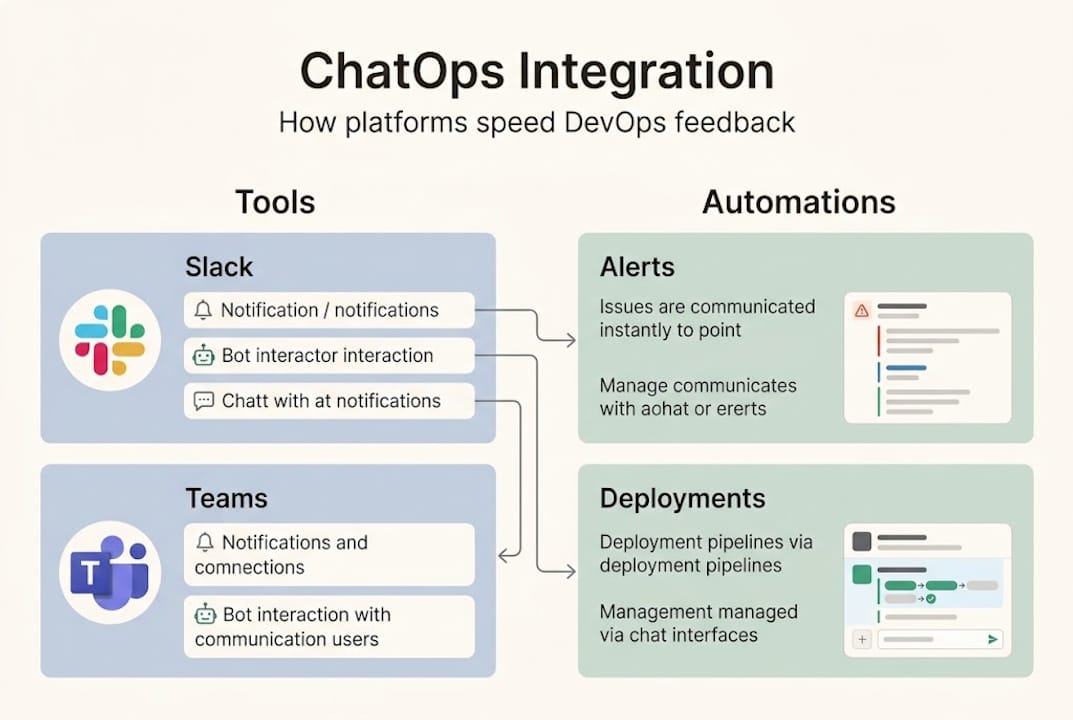
Here is a quick comparison so you can see the difference clearly:
| Feature | Basic chat tool | ChatOps-enabled platform |
|---|---|---|
| Incident alerts | Manual copy-paste | Automated, contextual |
| Command execution | Not supported | Bot-triggered actions |
| CI/CD visibility | None | Pipeline status in-channel |
| Audit trail | Chat logs only | Full action history |
| Team coordination | Ad hoc | Structured war-rooms |
The gap is significant. Basic chat keeps people talking. ChatOps keeps systems moving.
The essential integrations your platform should support include:
- 🔗 CI/CD pipelines (Jenkins, GitHub Actions, GitLab CI)
- 📊 Monitoring and observability (Prometheus, Datadog, Grafana)
- 🚨 Incident management (PagerDuty, OpsGenie)
- 📋 Project tracking (Jira, Linear)
- ☁️ Cloud provider APIs (AWS, GCP, Azure)
The real power comes from AI automation in DevOps layered on top of these integrations. When your bot can not only notify but also suggest a fix or trigger a rollback, your team stops being a human relay and starts doing actual engineering work.
Transparent workflows matter too. When every action is logged in a shared channel, your whole team sees what happened, when, and who approved it. No more "who deployed that?" moments at 3 a.m.
Mechanics: How platforms automate collaboration and response
Now that we have outlined the platforms, let's break down how their mechanics directly drive DevOps collaboration.
The core building blocks are bots, webhooks, and plugins. A webhook fires when something happens in your monitoring tool. The bot picks it up, formats it, and posts it to the right channel. A plugin lets engineers run commands directly from chat. Together, they create a tight loop between detection and action.
Here is what the data says about impact:
| Metric | Improvement with ChatOps |
|---|---|
| Failure recovery time | 23% faster |
| CI/CD feedback cycles | 50% shorter |
| Context switches per day | Reduced from 25+ apps |
| Engineer satisfaction | +16% |
Those numbers come from real ChatOps adoption data across engineering teams. They are not theoretical.
Here is the stepwise flow from alert to resolution:
- Detection — monitoring tool fires an alert
- Notification — webhook posts to incident channel with context
- Triage — on-call engineer reviews and acknowledges in chat
- Investigation — bot pulls logs, metrics, and recent deploys automatically
- Action — engineer triggers remediation command from chat
- Resolution — bot updates status page and closes the incident ticket
- Retrospective — full chat thread becomes the incident timeline
That seven-step flow happens in one channel. No tab-switching. No copy-pasting.
For automation best practices, two things matter most. First, use role-based access control (RBAC) so only authorized engineers can trigger destructive commands. Second, segment your channels by service, severity, and team so alerts reach the right people fast.
Also check out how multi-cloud automation connectors can extend this flow across AWS, GCP, and Azure simultaneously.
Pro Tip: Start with simple notification integrations before you build full automation. Get your team comfortable reading alerts in chat, then layer in bot commands. Rushing to full automation before your team trusts the system creates more noise, not less.
For teams managing multi-cloud DevOps environments, these mechanics become even more critical because you are dealing with multiple alert streams at once.
Multi-cloud challenges: Centralizing information and alerts
With technical mechanics covered, let's see why centralization is especially critical in multi-cloud DevOps.
Here is the honest reality. Running workloads across AWS, GCP, and Azure means three separate alert systems, three dashboards, and three sets of runbooks. When something breaks, your team wastes precious minutes just figuring out which cloud is the problem. That is tool sprawl in action, and it is expensive.

Platforms centralize cross-cloud alerts, shared dashboards, RACI models, incident war-rooms, and ChatOps integrations to prevent chaos from tool sprawl and provider differences. That single sentence describes the difference between a reactive team and a proactive one.
Here are the features that make centralization work:
- 🏠 Incident war-rooms — dedicated channels that auto-populate with context when a P1 fires
- 📊 Unified dashboards — one view across all cloud providers
- 🔔 Normalized alert channels — consistent format regardless of which cloud fired the alert
- 👥 RACI integration — automatic routing to the right team based on service ownership
- 🔄 Cross-cloud runbooks — standardized response procedures that work across providers
Pro Tip: Set up a single "#alerts-critical" channel that aggregates P1 and P2 alerts from all cloud providers. Route lower-severity alerts to provider-specific channels. Your on-call engineer checks one place first, every time.
Key stat: Teams that centralize alerting through unified platforms resolve outages significantly faster because engineers spend less time hunting for context and more time fixing the actual problem.
The multi-cloud automation best practices that support this approach include tagging standards, shared runbook libraries, and automated escalation paths. Without these, even the best communication platform becomes another source of noise.
The bottom line: your communication platform is only as good as the structure you build around it. Centralization is not a feature you turn on. It is a discipline you build.
Benchmarks, edge cases, and success factors
Having examined centralized platforms, let's evaluate benchmarks and highlight practical challenges every team should prepare for.
The empirical results are genuinely impressive. ChatOps teams reduce context switching from 25-plus app switches per day, cut CI/CD feedback cycles by 50% (CircleCI 2024 data), and see engineer satisfaction climb by 16%. MTTR drops. Deployment frequency goes up. These are DORA metrics moving in the right direction.
But let's talk about the edge cases, because they catch teams off guard:
- 📢 Channel noise — too many alerts, too little signal; engineers start ignoring everything
- 🔒 Security gaps — chat tools need end-to-end encryption and SOC2/ISO27001 compliance for sensitive ops data
- 😴 Alert fatigue — generic, untriaged alerts that fire constantly erode trust in the system
- 💬 Chat outages — if Slack goes down, does your incident response go down with it?
- 👤 Human-in-the-loop gaps — some actions need explicit approval, not just bot execution
These are not hypotheticals. We have seen teams build beautiful ChatOps setups that collapse under their own alert volume within three months.
Pro Tip: Audit your alert channels every 30 days. If an alert fires more than 10 times without a human action, it is either a false positive or needs auto-remediation. Also build a fallback communication process (email, phone bridge) for when your chat platform is unavailable.
Measuring success matters as much as building the system. Track MTTR (mean time to resolution) and deployment frequency before and after adoption. If your DORA metrics are not improving after 90 days, something in your setup needs adjusting.
Also worth reading: the AI agent pitfalls that trip up even experienced teams, and how GitOps compares to traditional ops when it comes to audit trails and change management.
The real opportunity: What most teams miss with communication platforms
Here is our honest take, and it might surprise you.
Most DevOps teams adopt Slack or Teams and call it ChatOps. They set up a few webhook notifications, maybe a PagerDuty integration, and feel good about it. But that is just scratching the surface. The teams that actually move their DORA metrics are the ones who treat their communication platform as an operational interface, not a messaging app.
The real differentiator is integration depth. A notification that says "pod crashed in production" is useful. A notification that says "pod crashed, here are the last three deployments, here is the relevant log tail, and here is the runbook link" is transformative. AI-powered chat takes this further by letting engineers type plain-language commands instead of memorizing CLI syntax.
Prioritize purpose-driven channels and integrations, enforce RBAC and auditing, start small with notifications before full automation, and measure MTTR and deployment frequency via DORA. That is the playbook. It sounds simple. Almost no one follows it consistently.
The winning move is incremental adoption with clear measurement. Pick one service, instrument it fully, measure the impact, then expand. Fragmented, scattered tooling across ten services with shallow integration beats nothing, but unified tooling on a few services with deep integration beats everything.
We think the future belongs to teams who use their DevOps platform selection as a strategic decision, not an afterthought.
Next steps: Empower your DevOps with Argonix
If the strategies above resonate, Argonix is built to put them into practice without the usual integration headaches.
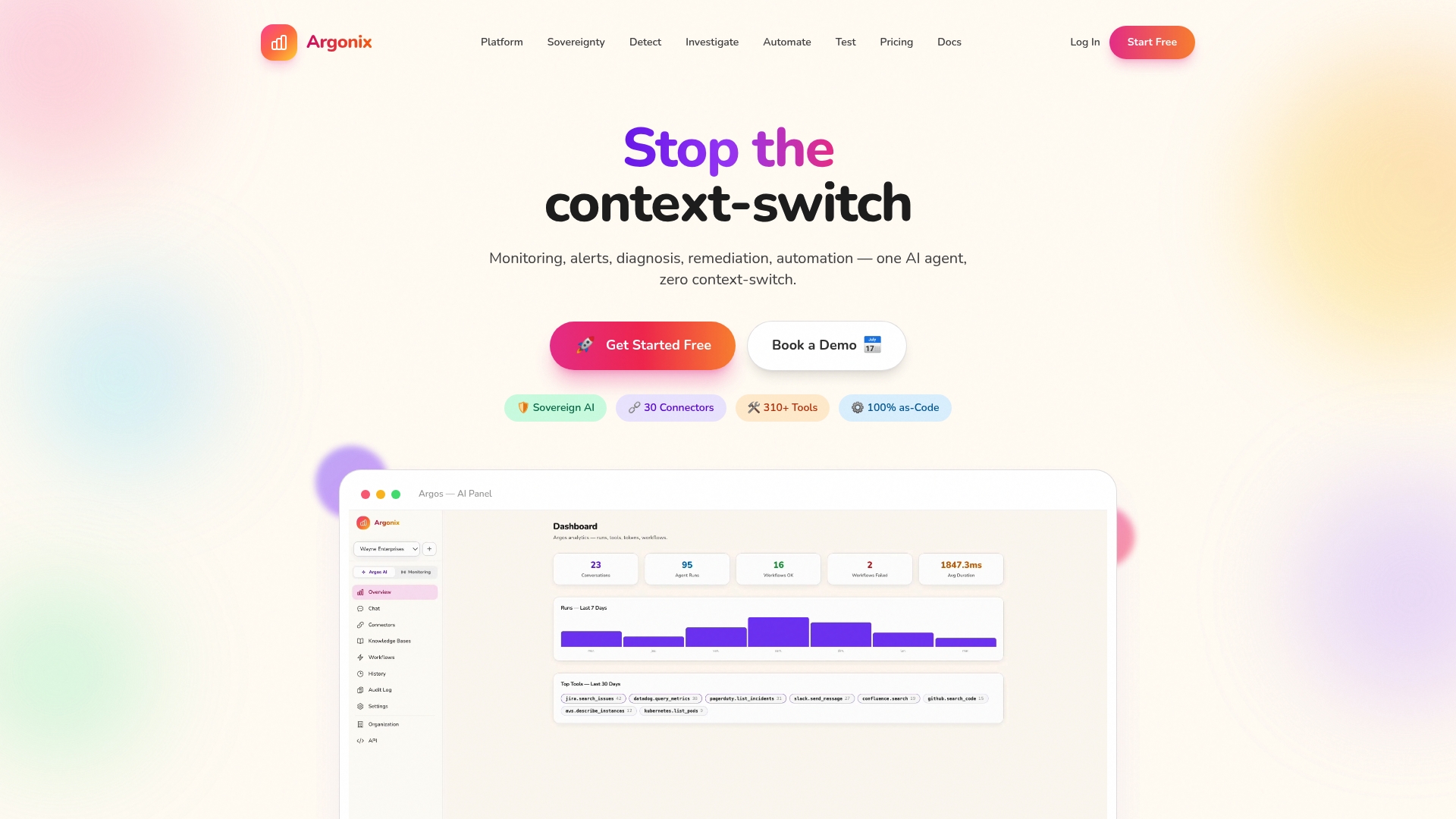
Argonix connects AI incident response with automated root cause analysis, so your team gets context-rich alerts instead of raw noise. Our infrastructure monitoring spans multi-cloud environments with over 40 connectors, feeding unified dashboards directly into your chat workflows. And our GitOps automation platform closes the loop from alert to remediation, with full audit trails and RBAC built in. If you are ready to move from scattered tools to unified operational intelligence, Argonix is where that journey starts.
Frequently asked questions
What is ChatOps and how does it improve DevOps collaboration?
ChatOps integrates chat tools with DevOps workflows, allowing real-time discussions, automation, and command execution that lead to faster incident response and greater transparency. It turns your chat platform into an operational control center, not just a messaging tool.
How can communication platforms help manage multi-cloud DevOps environments?
They centralize cross-cloud alerts, unify dashboards, and coordinate incident responses across different cloud providers, reducing tool sprawl and boosting efficiency. One channel, one view, one source of truth.
What benchmarks prove the benefits of ChatOps integration?
ChatOps teams see reduced context switching, improved CI/CD feedback loops cut by 50%, and lower MTTR, with engineer satisfaction up by 16%. Those are DORA-level improvements worth measuring.
What are common pitfalls when adopting communication platforms in DevOps?
Noisy channels, alert fatigue, and security gaps are the most common traps. Best practices include curated alert channels, strict RBAC, and a documented fallback plan for when your chat platform goes down.
Recommended
- Why choose a DevOps platform: AI automation efficiency
- Argonix | AI Ops Copilot - Monitoring, Incident Response & Infrastructure Automation
- Argonix | AI Ops Copilot - Monitoring, Incident Response & Infrastructure Automation
- Argonix | AI Ops Copilot - Monitoring, Incident Response & Infrastructure Automation
- Groei start met feedback tools, hoe bereiken we dit in 2023? - FourSmileys
- Verbeter je workflow: effectief feedback verzamelen en toepassen