

TL;DR:
- Automate cloud infrastructure with version control, modular design, and secure remote state management.
- Implement scheduled drift detection and integrate comprehensive CI/CD pipelines for validation and policy enforcement.
- Balance self-service templates with governance to ensure security, compliance, and efficiency in enterprise environments.
Manual cloud infrastructure management is a bottleneck your enterprise can't afford to keep. When your ops team is manually provisioning resources, patching configurations by hand, and tracking environment drift through spreadsheets, you're not just slowing down deployments — you're actively introducing risk. Security gaps widen, compliance requirements slip, and engineering time that should go toward innovation gets eaten up by repetitive, error-prone tasks. This guide walks you through the essential steps to automate your cloud infrastructure securely and at scale — from foundational tooling through CI/CD pipelines, drift detection, and beyond. Let's cut the manual work and build something reliable.
Table of Contents
- Laying your automation foundations: Tools, principles, and prerequisites
- Step-by-step: Implementing secure modular IaC for enterprise scale
- Automating change: Integrating CI/CD, validation, and policy-as-code
- Verification and reliability: Drift detection, monitoring, and remediation
- Why self-service AND governance must go hand in hand for automation success
- Level up your automation with Argonix Copilot solutions
- Frequently asked questions
Key Takeaways
| Point | Details |
|---|---|
| Modular IaC first | Use modular, reusable Infrastructure as Code for scalable and secure automation. |
| Automate with CI/CD | Integrate CI/CD pipelines and policy-as-code for fast, safe infrastructure changes. |
| Monitor and detect drift | Regularly verify your infrastructure with drift detection tools to avoid silent failures. |
| Balance agility and governance | Empower teams through self-service while enforcing guardrails for security and compliance. |
Laying your automation foundations: Tools, principles, and prerequisites
Before you write a single line of Terraform, you need solid ground to stand on. Rushing into automation without the right foundations is how you end up with a tangled mess of state files, leaked secrets, and nobody sure what's actually deployed where. 😱
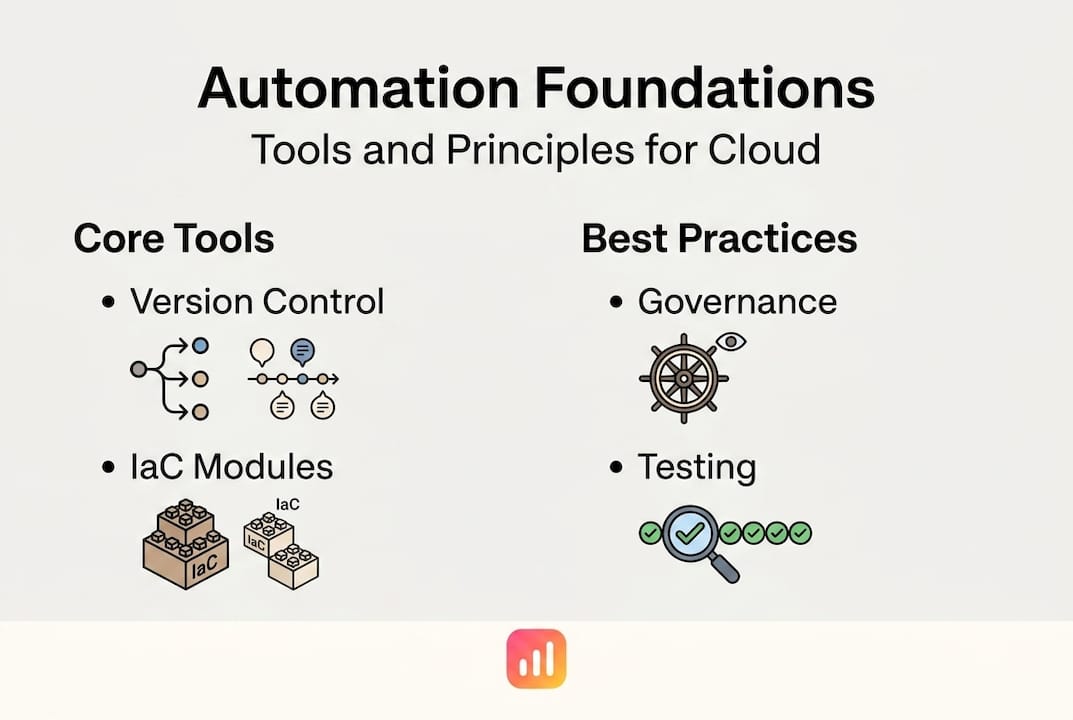
The most important habit to build from day one? Version control for everything. Every IaC file, every module, every variable definition — it lives in Git. No exceptions. This gives you auditability, rollback capability, and a single source of truth your whole team can trust. As outlined in best practices for infrastructure pipelines, the core steps for implementing cloud infrastructure automation using IaC in enterprises start with adopting version control for all IaC code and designing modular, reusable IaC modules that separate concerns.
Our infrastructure automation guide goes deeper on this, but here's the short version of what you need in place before you scale:
🛠️ Essential prerequisites
- Git repository with branch protection (main/trunk with required PR reviews)
- Terraform or OpenTofu as your IaC tool of choice, with a pinned version
- Remote state backend (S3 + DynamoDB for AWS, GCS for GCP, Azure Blob + Cosmos for Azure)
- Secrets manager (HashiCorp Vault, AWS SSM Parameter Store, or Azure Key Vault)
- Basic cloud architecture knowledge across your target platforms
- Familiarity with security best practices including least-privilege IAM
📊 Tool selection at a glance
| Category | Tool options | What to consider |
|---|---|---|
| IaC | Terraform, OpenTofu, Pulumi | Licensing, ecosystem, team familiarity |
| Remote state | S3+DynamoDB, GCS, Azure Blob | Cloud provider alignment |
| Secrets | Vault, AWS SSM, Azure Key Vault | Multi-cloud or single-cloud need |
| CI/CD | GitHub Actions, GitLab CI, Jenkins | Existing toolchain integration |
| Policy-as-code | OPA, Sentinel, Checkov | Compliance requirements |
Modularity matters enormously here. Build separate reusable modules for your VPC, compute, IAM, and database layers. Each module should have one job and do it well. This separation of concerns means your networking team can update VPC configs without touching compute, and your security team can enforce IAM policies independently. Check out our notes on multi-cloud automation best practices for more on structuring modules across providers.
One thing we see teams underestimate: the human prerequisites. Cloud architecture knowledge, security fundamentals, and familiarity with automation frameworks are just as critical as tool selection. Investing in team enablement upfront pays dividends for years. Stay ahead of where the industry is heading by keeping an eye on cloud DevOps trends 2026.
Pro Tip: Start with a "golden module" for your most common resource type. Build it right, test it thoroughly, and let it become the pattern every team copies. This is far more effective than writing standards documents nobody reads.
Step-by-step: Implementing secure modular IaC for enterprise scale
After establishing your prerequisites and foundational principles, it's time to break down the concrete steps for a robust IaC implementation. This is where most teams make mistakes — they get the tools right but mess up the structure.

Modular IaC design with remote state backends and per-environment locking is the standard that separates stable, scalable automation from brittle, risky pipelines. And avoiding shared state or monolithic files is equally critical — shared state is where environments accidentally bleed into each other, and that's a production outage waiting to happen.
Secure IaC implementation steps
-
Organize your repo structure. Use a layout that separates environments (dev, staging, production) and module definitions. A common pattern: "/modules/vpc
,/modules/compute,/environments/prod,/environments/staging`. -
Configure isolated remote backends per environment. Each environment gets its own state file, stored in a separate backend bucket or path. Never share state between staging and production.
-
Enable state locking. For AWS, pair your S3 bucket with a DynamoDB table. This prevents two pipeline runs from modifying state simultaneously and corrupting it.
-
Integrate external secrets management. Use
datasources to pull secrets from Vault or SSM at runtime. Never hardcode secrets. Never let them appear in state or outputs. This is where teams get burned most often. -
Pin provider and module versions. Unpinned versions are a silent risk. A provider upgrade can break your whole pipeline on a Monday morning when you least want it.
-
Add drift detection hooks. More on this in a later section, but wire in your drift checks from the start, not as an afterthought.
🔄 Shared vs isolated state backends
| Factor | Shared state backend | Isolated state backend |
|---|---|---|
| Environment separation | ❌ Risk of cross-env impact | ✅ Full isolation |
| Access control | ❌ Harder to scope | ✅ Per-environment IAM |
| Blast radius on failure | ❌ Wide | ✅ Contained |
| Complexity | ✅ Lower setup overhead | ⚠️ More config required |
| Recommended for prod? | ❌ No | ✅ Always |
Tie your cloud monitoring automation into these environments from the start. And make sure your IT automation connectors can reach each isolated backend for observability.
Pro Tip: Never use Terraform workspaces to separate production from staging. Workspaces share a backend and were designed for minor configuration variations, not full environment isolation. Use separate directories with separate backend configs instead.
Automating change: Integrating CI/CD, validation, and policy-as-code
Once your infrastructure modules are ready and securely structured, the next step is automating changes and enforcing security and compliance throughout your workflows. This is where your automation starts doing the heavy lifting.
A well-structured CI/CD pipeline for IaC includes linting, validation, plan, and apply stages, with static analysis, unit tests, integration tests, and policy-as-code checks baked in throughout. Not as optional extras — as mandatory gates.
🔢 CI/CD pipeline stages for IaC
- Linting with
tflintto catch syntax issues and deprecated patterns before they reach review. - Static analysis using Checkov or OPA to flag security misconfigurations (open S3 buckets, overly permissive IAM, unencrypted resources).
- Validation with
terraform validateto confirm the configuration is syntactically valid. - Unit and integration tests using Terratest or similar frameworks to verify module behavior.
- Plan generation to produce a human-readable diff of changes. This gets posted to your PR automatically.
- Human review — a required approval step before any
applyruns against production. - Apply only after full approval, and only from your main branch with full audit logging.
🧰 Essential CI/CD pipeline tools
- tflint — catches provider-specific issues and deprecated usage
- Checkov — security and compliance static analysis for IaC
- Open Policy Agent (OPA) — flexible policy-as-code enforcement
- Terratest — Go-based integration testing for Terraform modules
- GitHub Actions / GitLab CI — pipeline orchestration with native PR integration
- Infracost — cost estimation integrated directly into PRs
⚠️ Caution: Manual edits to infrastructure state files are one of the most common sources of configuration drift and failed deployments. Every change to infrastructure must go through the pipeline — no exceptions. If your team is bypassing the pipeline "just this once," that's a process problem that needs fixing before it becomes a production incident.
The GitOps automation model fits naturally here. When Git is the source of truth and all changes flow through reviewed, automated pipelines, you get infrastructure that's auditable, reproducible, and consistent. The contrast with traditional ops methods is stark — and the operational benefits are immediate.
Pro Tip: Automate policy checks inside your pipeline, not just as advisory warnings. Fail the pipeline on critical policy violations before plan even runs. Catching misconfigurations at linting time is 100x cheaper than catching them post-deployment.
Verification and reliability: Drift detection, monitoring, and remediation
With automation pipelines in place, ongoing verification is critical to protect your infrastructure from silent misconfigurations and emerging risks. Pipelines get you to a good state. Drift detection keeps you there.
Drift is what happens when your actual cloud infrastructure diverges from what your IaC says it should be. Someone adds a security group rule via the console. A manual hotfix gets applied during an incident and never rolled back. A cloud provider auto-updates a setting. These changes are invisible unless you're actively looking for them. And the consequences are real: drift affects 67% of IaC teams and leads to 2.3x higher failure rates in automated environments. That's not a number to ignore.
📋 Drift detection and monitoring approach
- Schedule regular
terraform planruns against each environment to detect drift. Daily is the minimum for production. Hourly is better for critical workloads. - Alert on drift immediately. A plan that shows unexpected changes should trigger a Slack notification, a PagerDuty alert, or whatever your team uses. Don't let drift age.
- Distinguish intentional from unintentional drift. Not all drift is bad — sometimes an emergency fix is applied manually and then needs to be codified. Your process should handle both cases.
- Use cloud-native tools like AWS Config, Azure Policy, or GCP Security Command Center alongside Terraform plan outputs for a complete picture.
- Automated remediation works well for well-understood, low-risk drift. Human review is mandatory for anything touching security groups, IAM, or network boundaries.
📊 Drift detection tools and response frequency
| Tool / method | What it detects | Alert mechanism | Recommended frequency |
|---|---|---|---|
terraform plan scheduled | Any state vs. actual drift | CI alerts, Slack | Daily (prod), hourly (critical) |
| AWS Config rules | Resource compliance drift | SNS, EventBridge | Real-time |
| Azure Policy | Non-compliant resources | Azure Monitor | Real-time |
| GCP Security Command Center | Security misconfigurations | Cloud Monitoring | Real-time |
| Argonix drift monitoring | Cross-cloud IaC drift | Integrated alerts | Continuous |
Tie your drift detection outputs into your broader infrastructure monitoring best practices stack. Drift is one signal among many — your monitoring should connect it to deployment history, incident timelines, and compliance reports automatically.
Remediation strategies depend on severity. Low-risk configuration drift (tag changes, non-security attributes) can often be auto-remediated by re-applying the last known good state. High-risk drift — anything touching access controls, encryption, or network rules — should trigger a human review workflow before any automated fix is applied.
Why self-service AND governance must go hand in hand for automation success
Here's the uncomfortable truth most automation guides skip: technical execution is the easy part. The real challenge is organizational.
We've seen teams build flawless Terraform pipelines that nobody uses, because the guardrails felt too restrictive. We've also seen teams celebrate their "developer freedom" right up until a misconfigured S3 bucket made the news. Neither extreme works. For medium to large enterprises, the goal is balancing self-service golden paths with governance to drive both operational efficiency and security — not trading one for the other.
Golden paths matter here. When your platform team builds opinionated, pre-approved IaC templates that development teams can actually use without filing a ticket, you get adoption. You get speed. And because those templates already have security controls and policy checks baked in, you get compliance almost for free.
The failure mode is going too far in either direction. Overly rigid controls make engineers route around your platform — back to clicking in the console, back to manual changes, back to drift. Zero governance gives you speed but also gives you sprawl, technical debt, and security incidents. The AI automation platform advantages we see from mature teams come from getting this balance right: developers move fast inside guardrails they don't even notice, and platform teams have full visibility without becoming gatekeepers.
Build the golden paths first. Then enforce governance on everything outside them. That's the sequence that actually works.
Level up your automation with Argonix Copilot solutions
If you're ready to apply proven automation strategies with next-gen tools, Argonix can help you accelerate your transformation.
Argonix brings together AI-driven incident response, automated drift detection, and intelligent IaC pipeline management in one platform. You don't need to stitch together five separate tools and write custom glue code to get visibility across your cloud environments.
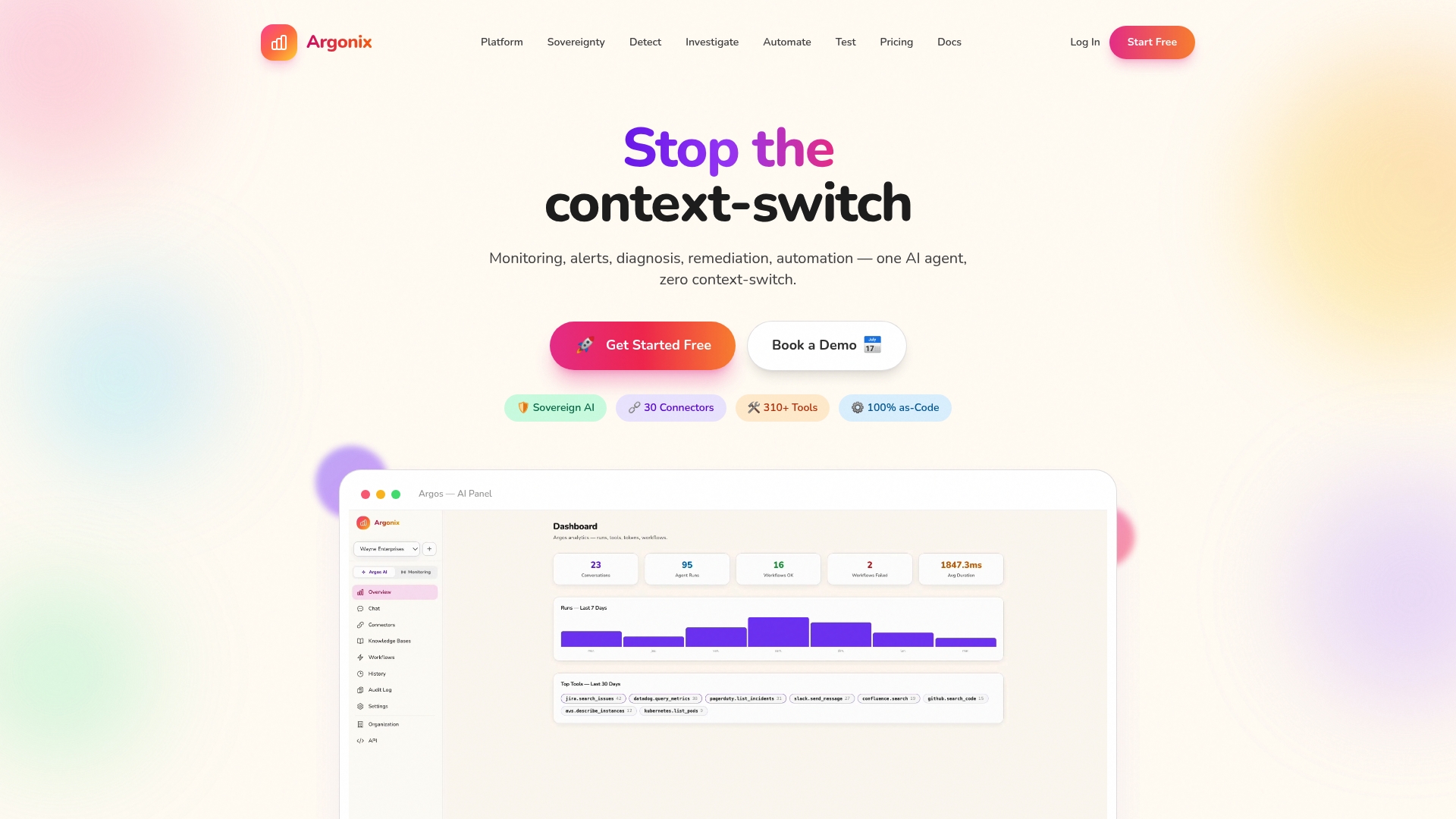
With over 40 connectors across cloud providers, CI/CD tools, observability platforms, and communication systems, Argonix fits into your existing DevOps workflows without a rip-and-replace. Our infrastructure monitoring solutions give you continuous visibility across multi-cloud environments, while GitOps automation services enforce the kind of policy-driven, auditable change management we've covered throughout this guide. Ready to see it in action? Let's talk.
Frequently asked questions
What are the core steps to automate cloud infrastructure?
The core steps for IaC automation include adopting version control, modular IaC design, remote state management, CI/CD integration, secrets management, human review workflows, and scheduled drift detection.
Why is drift detection important in cloud automation?
Drift detection prevents configuration mismatches that cause outages — 67% of IaC teams face drift, leading to significantly higher failure rates in automated cloud environments.
How should secrets be managed in IaC workflows?
Secrets must never be stored in state or outputs; enforce secrets management externally using tools like HashiCorp Vault or AWS SSM Parameter Store.
Can multiple environments share the same IaC state backend?
No — avoid shared state and use isolated backends per environment to prevent accidental configuration overlap and contain blast radius when things go wrong.
What are the most common pitfalls in cloud infrastructure automation?
Common pitfalls include monolithic IaC files and manual state edits, along with unsecured secrets, missing drift detection, and skipping mandatory human review in pipelines.
#CloudAutomation #InfrastructureAsCode #DevOps #Terraform #GitOps #CloudSecurity #IaC #SRE #Argonix