

TL;DR:
- AI-driven automation significantly reduces incident response times by up to 70 percent.
- It optimizes cloud costs through predictive resource allocation, saving up to 38 percent annually.
- Success requires proper data quality, governance, phased implementation, and team skill development.
Managing a modern cloud environment is relentless. Your team juggles sprawling microservices, multi-cloud configurations, and an ever-growing alert backlog, all while leadership expects faster deployments and near-zero downtime. Choosing the right automation approach isn't just a tooling decision. It's a strategic call with real financial, operational, and competitive consequences. In this article, we break down the most measurable benefits of AI-driven automation for cloud IT managers, walk through the real benchmarks, and give you a clear framework for evaluating whether your current approach is actually working.
Table of Contents
- ⚡ Accelerated incident response and reduced downtime
- 💰 Optimized resource allocation and cost savings
- 🚀 Enhanced productivity and operational agility
- ⚠️ Pitfalls, challenges, and governance strategies
- 🎯 A pragmatic perspective: what works and what doesn't in AI-driven automation
- Explore next-generation AI automation solutions
- Frequently asked questions
Key Takeaways
| Point | Details |
|---|---|
| Incident response gains | AI-driven automation shortens incident response times and cuts downtime by up to 70%. |
| Cost optimization | Predictive resource automation consistently reduces cloud spending by 20-38% for enterprises. |
| Productivity boost | Eliminating manual tasks enables IT teams to focus on value-added work and improves agility. |
| Guard against risks | Strong governance and staged rollouts prevent failures due to skill or maturity gaps. |
⚡ Accelerated incident response and reduced downtime
After you've set up your evaluation criteria, there's one metric that tends to hit IT managers the hardest: incident response time. A P1 alert fires at 2 AM. Your on-call engineer is paged, starts digging through logs, tries to reproduce the issue, escalates to the right team, and finally applies a fix. That entire loop can take hours. In a cloud environment handling millions of requests, those hours translate directly into lost revenue and damaged customer trust.
AI-driven automation collapses that loop. AI-driven cloud monitoring platforms can detect anomalies in real time, correlate signals across services, and trigger automated remediation workflows before a human even opens a Slack notification. The difference is dramatic.
Real benchmarks:
According to research on AI in automation, AI-driven automation reduces incident response times and MTTR (mean time to resolution) from hours to minutes, with benchmarks consistently showing 30 to 70% reductions. That's not a rounding error. That's the difference between a minor blip and a full-scale outage recovery story in your next board meeting.
Here's what that looks like across organization sizes:
| Organization size | Avg. MTTR before automation | Avg. MTTR after automation | Reduction |
|---|---|---|---|
| Small team (< 50 engineers) | 3.5 hours | 1.8 hours | ~49% |
| Mid-size (50 to 200 engineers) | 5.2 hours | 1.6 hours | ~69% |
| Enterprise (200+ engineers) | 7.8 hours | 2.5 hours | ~68% |
The gains compound over time. Fewer incidents escalate. Runbooks get triggered automatically. Root cause analysis that used to take a senior SRE 45 minutes now surfaces in seconds.
Why this matters beyond the SLA dashboard:
- 🔴 Every minute of downtime erodes customer trust, and B2B SaaS teams feel this in renewal rates
- 🟡 On-call burnout is real; reducing manual response work keeps your best engineers engaged
- 🟢 Auto-remediation frees your SRE team to improve systems instead of fighting fires
Understanding AI agents in IT ops gives you a clearer picture of how these agents actually operate within your stack, from detection through remediation, without requiring a human in the loop for every decision.
📊 Stat callout: Teams using AI-driven automation for incident management report MTTR reductions of 30 to 70%, translating hours of downtime into minutes of recovery.
Pro Tip: Start by applying incident response automation to your most critical workloads first. That's where the ROI is most visible and where leadership will notice the gains fastest. Once you validate the approach there, expand outward to less critical services.
💰 Optimized resource allocation and cost savings
Reliability improvements are great. But your CFO wants to talk about the cloud bill. And honestly, cloud cost waste is one of the most underestimated problems in modern IT operations. Over-provisioned instances, zombie resources, and poor auto-scaling logic quietly drain budgets month after month.
This is where AI-driven automation delivers its second major punch. Machine learning models can analyze historical usage patterns, predict future demand, and right-size your infrastructure continuously. No more manually reviewing dashboards and guessing whether that idle EC2 cluster is still needed.
Predictive ML resource allocation improves utilization rates by 38% on average, and reduces cloud costs by 20 to 30%. At scale, those percentages represent enormous dollar amounts.
To put real numbers on it: a Forrester TEI study on Azure AI-enhanced solutions found 25% direct cloud cost savings in Year 1, tapering to 20% in Year 3, with a composite enterprise organization saving $8.7 million over three years on a $12.5 million annual cloud spend. That is a stunning return.
AI vs. manual resource management: a comparison:
| Capability | Manual approach | AI-driven automation |
|---|---|---|
| Scaling decisions | Human-triggered, reactive | Predictive, proactive, real-time |
| Cost visibility | Monthly billing review | Continuous optimization signals |
| Resource rightsizing | Quarterly audits | Continuous auto-adjustment |
| Idle resource detection | Ad hoc checks | Automated detection and cleanup |
| Time to implement changes | Hours to days | Minutes to seconds |
The benefits stack up quickly when you move from reactive to proactive resource management:
- 🔵 Reduced over-provisioning: AI identifies idle or oversized resources and triggers rightsizing recommendations automatically
- 🔵 Better burst handling: Predictive scaling prepares capacity before demand spikes hit, not after latency already degrades
- 🔵 Spot and reserved instance optimization: ML models recommend the right mix of pricing models based on usage patterns
- 🔵 Cross-cloud visibility: Unified cloud monitoring ensures cost savings are applied consistently across AWS, Azure, and GCP simultaneously
📊 Stat callout: Organizations using ML-based resource optimization see 20 to 38% cloud cost reductions, with large enterprises recovering millions annually.
The practical implication for IT managers: you don't need to wait for the next budget cycle to find savings. With the right IT automation tools, you can start identifying and eliminating waste within days of deployment. That's a very compelling conversation to have with your finance team.
🚀 Enhanced productivity and operational agility
Cost and reliability are the obvious wins. But there's a third benefit that's harder to quantify and arguably more transformative: what your team can actually do when they're not constantly firefighting or manually running playbooks.
Think about the hours your engineers spend on repetitive tasks. Rotating credentials. Running deployment checks. Updating Jira tickets after incidents. Reviewing the same monitoring dashboards every morning. These aren't high-value activities. They're operational overhead that wears people down and slows everything else.

AI-driven automation handles all of it. And when your team stops babysitting infrastructure, they start shipping better products.
How productivity gains break down in practice:
- Runbook automation: Common operational tasks like restarting services, clearing queues, or scaling replicas execute automatically based on AI decisions, no human required
- Alert noise reduction: AI filters false positives and correlates related alerts, so your on-call engineer sees one actionable notification instead of 40 redundant ones
- Automated change validation: Pre-deployment checks, canary analysis, and rollback triggers happen without manual intervention
- Self-healing infrastructure: Kubernetes CRDs and Terraform configurations enforce desired state continuously, correcting drift before it becomes a problem
- Faster incident documentation: AI agents auto-generate incident timelines, post-mortems, and update project management tools in real time
Infrastructure automation frameworks give IT leaders a structured way to think about which workflows to automate first and how to measure productivity gains rigorously. The key is not to automate everything at once.
Empirical benchmarks confirm 20 to 38% cost savings and 30 to 70% MTTR improvements alongside meaningful productivity gains. But those same benchmarks flag 40 to 63% project failure rates tied to maturity gaps. That last number matters. Productivity wins only arrive if the automation is implemented thoughtfully.
Signs your team is ready for productivity automation:
- ✅ You have documented runbooks that engineers follow manually today
- ✅ Your alert volume is high but your true incident rate is low (a sign of noise)
- ✅ Deployment pipelines have manual approval gates that slow releases unnecessarily
- ✅ Post-incident reviews consistently flag "slow detection" or "manual escalation" as contributing factors
Pro Tip: Don't start by automating your most complex workflows. Identify the most labor-intensive, repetitive tasks your team runs every week and automate those first. The quick wins build team confidence and demonstrate ROI before you tackle the harder stuff.
Operational agility is the real payoff here. When your infrastructure responds to business changes automatically, whether that's a traffic spike, a new region rollout, or a compliance policy update, your team stays ahead of the business instead of scrambling to catch up.
⚠️ Pitfalls, challenges, and governance strategies
We'd be doing you a disservice if we only talked about the wins. The truth is, AI-driven automation projects fail more often than people admit. Understanding why gives you the edge to avoid the same mistakes.
Common failure modes include data quality issues, integration complexity, skill gaps, high upfront costs, and delayed ROI. These aren't edge cases. They're the norm for teams that rush adoption without proper groundwork.
The most common pitfalls we see:
- 🔴 Data quality problems: AI models are only as good as the telemetry feeding them. Incomplete, inconsistent, or noisy observability data produces unreliable automation decisions
- 🔴 Integration complexity: Connecting AI automation to your existing stack (cloud providers, monitoring tools, ITSM, CI/CD) takes real engineering effort. Underestimating this is how projects go over budget
- 🔴 Skill gaps: Your team may lack the ML or DevOps skills needed to configure, tune, and trust AI-driven automation systems. Skipping this reality leads to shelfware
- 🔴 Governance missteps: Automation without clear ownership, rollback policies, and audit trails creates new risks while trying to reduce old ones
- 🔴 ROI timeline mismatch: Many teams expect immediate payback but cost savings and productivity gains often take 6 to 12 months to fully materialize
The project failure rate data is sobering: 40 to 63% of AI automation projects fail to deliver expected results, most often due to organizational maturity gaps rather than technology limitations.
"Governance is not optional in AI-driven automation. It's the foundation. Teams that skip it in the interest of speed almost always pay a higher price later, in failed deployments, eroded trust, and rework that exceeds the original project cost."
Proven strategies for responsible adoption:
- 📋 Phase your rollout: Start with low-risk, high-visibility use cases. Prove value, build trust, then expand scope
- 📋 Invest in observability first: You can't automate what you can't see. Clean telemetry data is non-negotiable before deploying AI agents
- 📋 Define human oversight policies: Decide upfront which actions require human approval and which can fully automate. Document and enforce these boundaries
- 📋 Upskill continuously: Budget for training alongside tooling. Engineers who understand why the automation makes certain decisions are far more effective than those who just monitor dashboards
- 📋 Track leading indicators: Don't wait 12 months to measure ROI. Track leading signals like alert volume reduction, deployment frequency, and manual task hours eliminated from week one
Following automation best practices and staying aware of emerging DevOps trends in 2026 will help your team navigate these challenges with context rather than guesswork.
🎯 A pragmatic perspective: what works and what doesn't in AI-driven automation
Here's the honest take that most vendor articles skip: AI automation is disciplined work, not magic. The teams that succeed don't just pick a sophisticated platform and flip it on. They start small, define success clearly, and treat automation as an ongoing practice rather than a one-time implementation.
We've seen organizations chase every feature available on day one, create complex workflows they can't maintain, and burn out the very engineers they were trying to help. That's the irony of poorly governed automation: it can create more chaos than it resolves.
The teams that consistently capture the benefits we described above share a few habits. They start with a single use case, usually incident detection or resource rightsizing. They measure it rigorously. They share wins with leadership early. Then they expand. They also invest in cultural adaptation: engineers need to trust the automation, which means understanding it, not just operating it.
Effective multi-cloud automation guidance reinforces one consistent finding: the technology is rarely the limiting factor. Process maturity and team readiness almost always determine whether the ROI is realized or lost. Build that foundation first, and the tools will follow.
Explore next-generation AI automation solutions
If the benchmarks in this article sound like the outcomes your team needs, you're not alone. Many IT managers we talk to are dealing with exactly these challenges: rising cloud costs, slow incident resolution, and teams stretched thin by manual work.
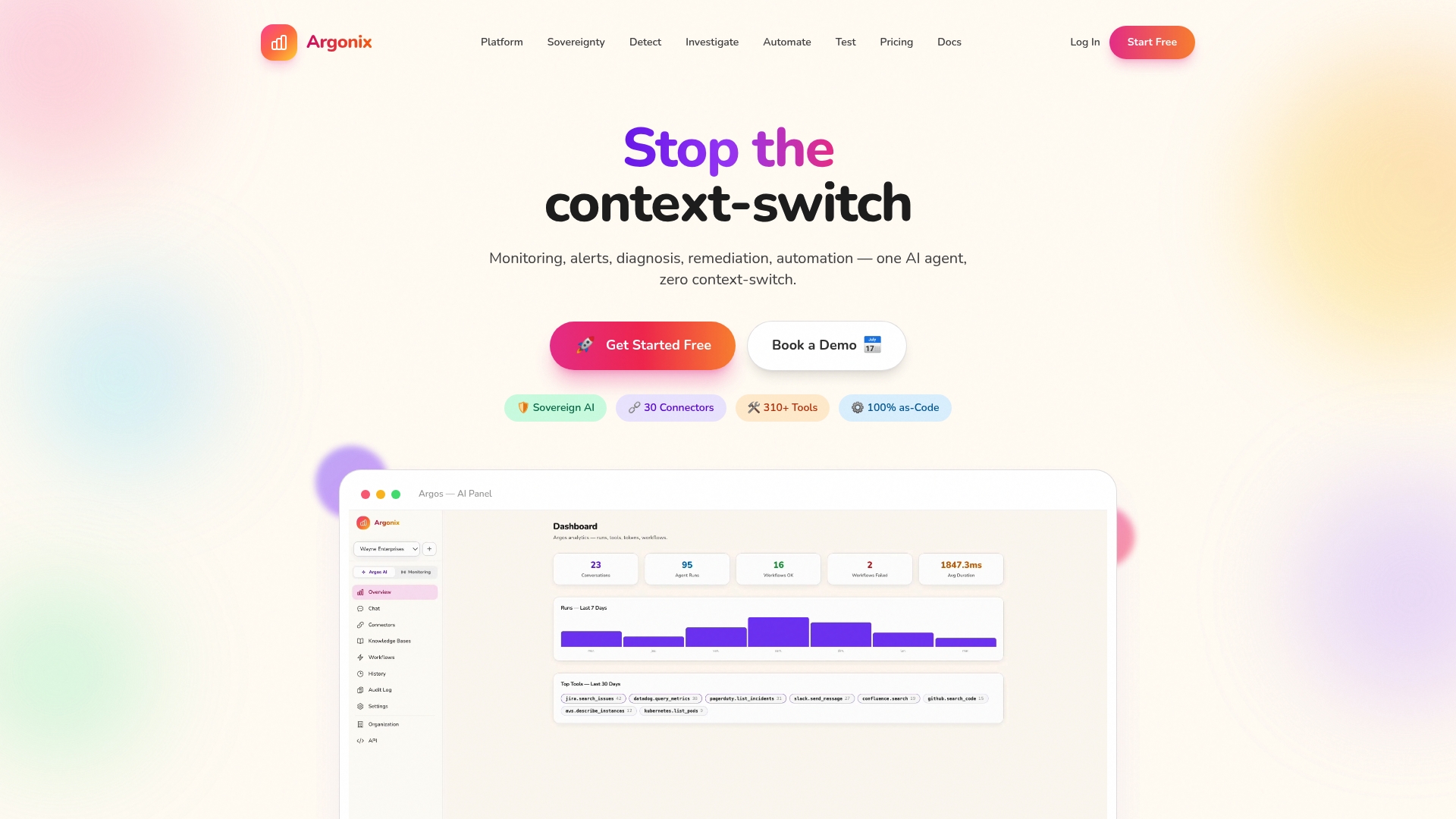
Argonix is built to solve these problems directly. Our platform connects AI incident response solutions with real-time root cause analysis, auto-remediation, and over 40 integrations across your existing stack. Whether you need smarter infrastructure monitoring tools or full end-to-end automation for multi-cloud operations, we've got the platform to get you there. Ready to see what it looks like for your environment? Discover Argonix and explore how we can help your team operate smarter, not harder.
Frequently asked questions
How quickly can AI-driven automation reduce cloud incident response times?
Response time reductions of 30 to 70% are well-documented, with many teams cutting MTTR from several hours down to single-digit minutes after full deployment.
What are the biggest risks when implementing AI-driven automation in IT operations?
The most significant risks are integration complexity, skill gaps, and delayed ROI. Governance, phased rollouts, and human oversight are the most reliable ways to mitigate them.
How much can AI-driven resource optimization reduce cloud costs?
Predictive ML-based allocation delivers 20 to 38% cost reductions on average, with large enterprises seeing savings in the millions annually when the approach is applied at scale.
Why do AI automation projects fail so often?
Failure rates between 40 and 63% point to organizational maturity gaps, weak governance, and insufficient skills as the primary culprits rather than limitations in the technology itself.